AI Rap Video Generator – Make Two Photos Rap Together

Animate two real people with Wan 3.0 and a rap track you have permission to use. For pets and cartoon characters, Seedance can create an original short rap from a topic; it refuses real faces. Review the result and download an MP4. Likeness and lip sync can vary.

  • One reference photo per performer
  • Your song, or a new verse
  • 5 to 15 seconds, five frames
  • An MP4 you can download

Create your AI rap video

Add your two performersOne person each. The left photo leads, the right one joins in.

Choose the stageOrange Stage, Studio Booth or Street Cypher.

Set the video and the soundPick the model, then the moves, the track, the length and the shape.

Moves

Sound

Add two photos and tick the permission box to generate.

Owner-provided AI-generated Hotel Lobby example · 15s · 854×1520. Model and generation settings are unverified. Results vary; play with sound.

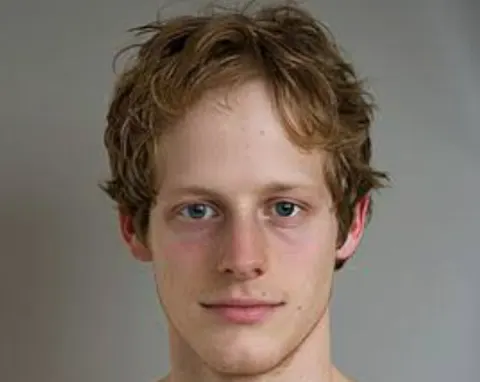
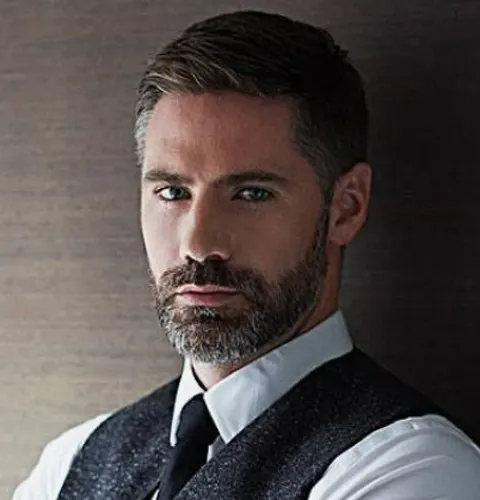
Example photo of the left performerExample photo of the right performerThese two photos are the inputs for the example video above.

Which photo-to-video workflow fits my idea?

Use the main generator for a two-performer rap clip. Choose Wan with an existing track for real people, or an original-rap Seedance mode for pets and stylized characters. For a fixed dance, comedy or three-person concert, choose the matching scene page below instead of asking a duet template to invent that workflow.

What to prepare
Two separate subject photos and permission from everyone shown. Optional audio and motion uploads belong to their matching controls; the original-rap topic is an idea, not a guaranteed word-for-word script.
What you get
A short MP4 with the selected duration, resolution and framing. Sign in before uploading and generating. Check the live credit quote before purchase; a credit pack is not a promise of a fixed number of videos.

Check before sharing

Play the entire result and check both identities, mouth movement, hands and sound. A technically completed job can still have visual errors. Find completed or processing jobs in My videos; do not submit duplicate paid jobs just because the queue is slow.

AI rap video ideas to start with

Choose a setup, review its model and credit cost, then add two photos. People use Wan with an existing track; pets can perform an original AI rap.

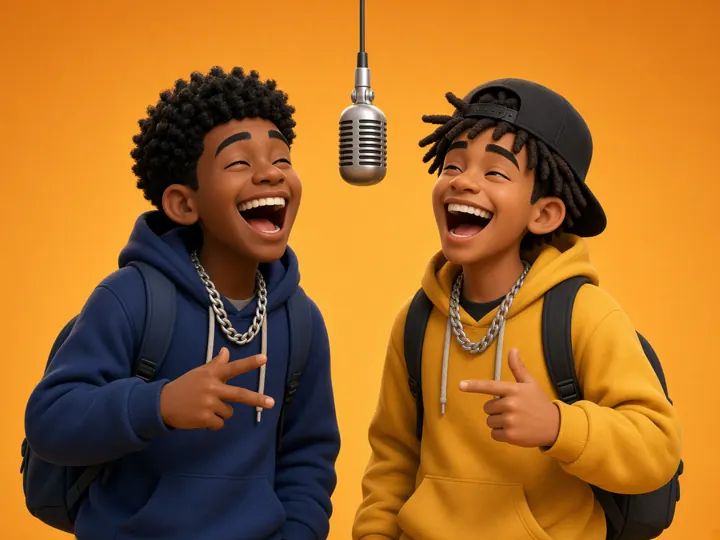
Illustration of two friends laughing while rapping at a hanging microphone

Best-friend duet

Put two friends on the orange stage with a rap track you already have. To include an inside joke or road-trip story, record it in your own audio first; Wan does not write new lyrics.

Orange StageReference rap track

Wan 3.0 · 10s · 480p · 10 credits
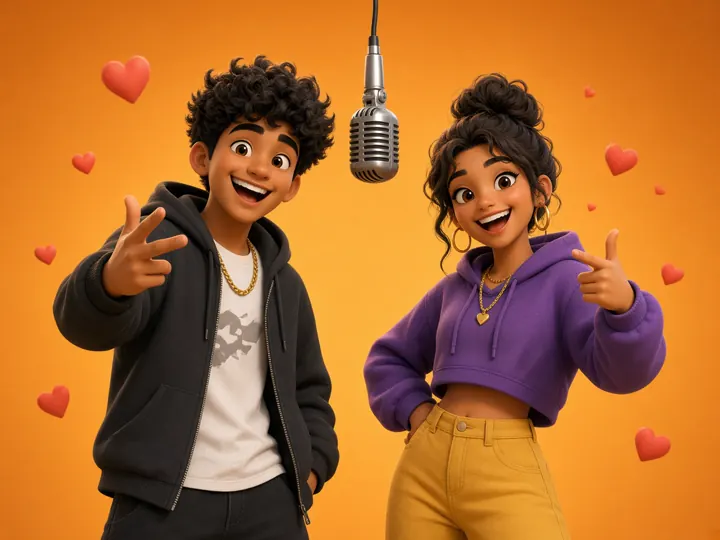
Illustration of a couple doing a playful rap duet with floating hearts

Couple anniversary rap

Share an anniversary performance using two portraits and your own song. Wan follows the supplied track; it does not invent a personalized anniversary verse.

Orange StageReference rap track

Wan 3.0 · 10s · 480p · 10 credits
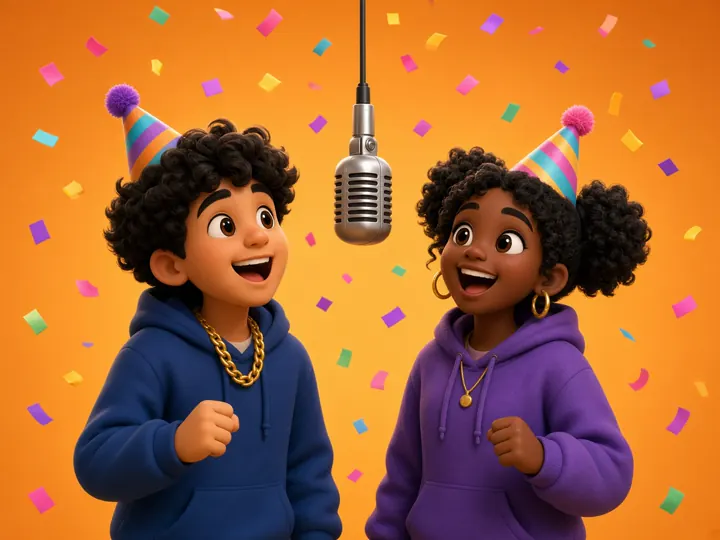
Illustration of two friends in party hats rapping under confetti

Birthday shout-out

Put the birthday person beside a friend and use an authorized birthday rap recording. To include a name or a personal message, supply it in the audio.

Orange StageReference rap track

Wan 3.0 · 10s · 480p · 10 credits
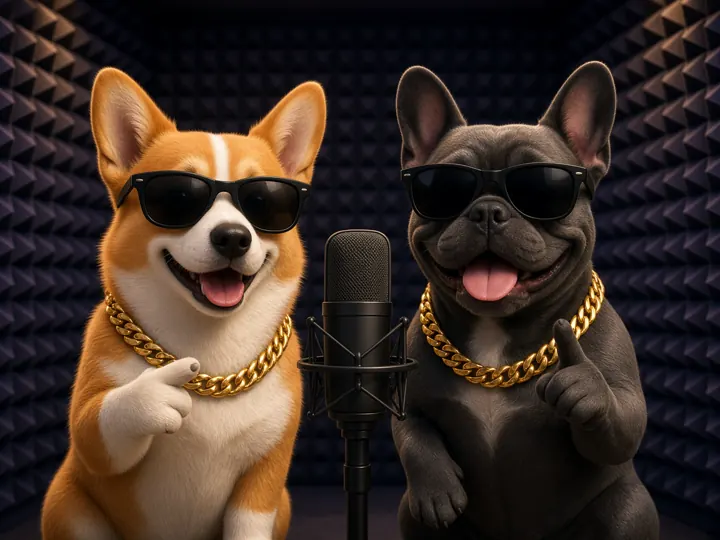
Illustration of a corgi and a French bulldog in sunglasses rapping in a recording booth

Pet rap duo

Two pets in sunglasses running the studio booth. Clear, front-facing pet photos work best, and results vary more than with people.

Studio BoothOriginal AI rap

Seedance 2.0 · 10s · 480p · 17 credits

Illustration of two rappers facing off in a street rap battle at dusk

Friendly rap battle

Stage a playful street-cypher face-off using your own friendly battle track. Wan follows the audio; typed topics do not create a new roast or new lyrics.

Street CypherReference rap track

Wan 3.0 · 10s · 480p · 10 credits
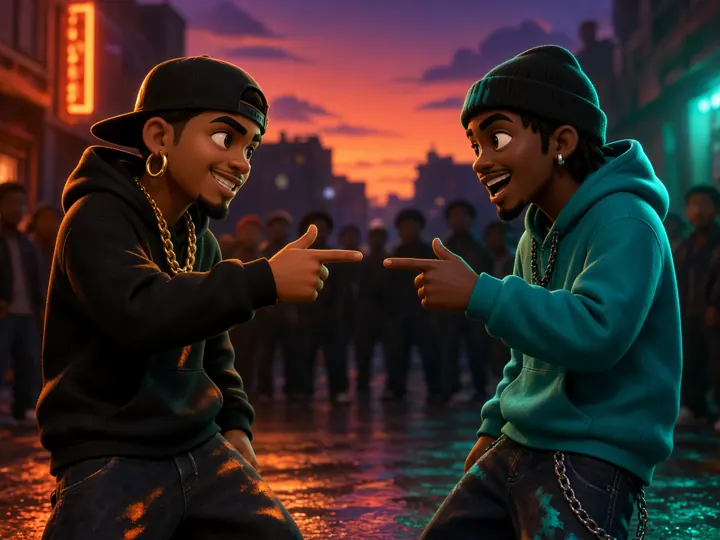
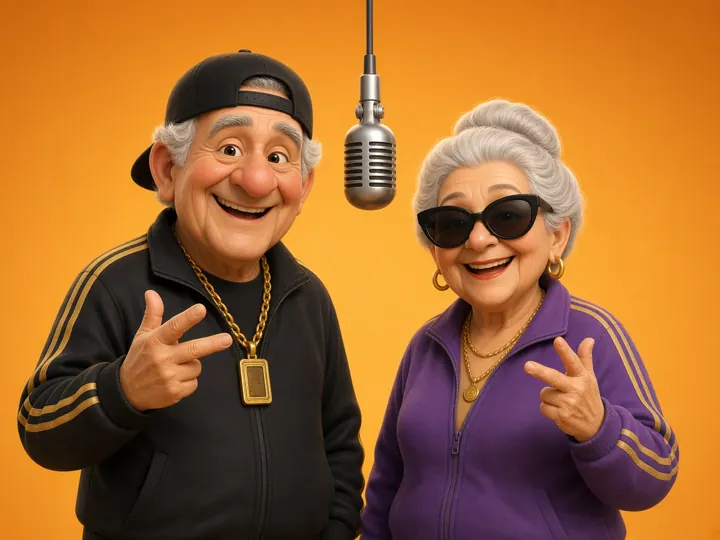
Illustration of a grandma and grandpa rapping on an orange stage

Grandparents on the mic

A family favorite: grandma and grandpa keeping time to a reference rap track. Ask them first, then share it in the family chat.

Orange StageReference rap track

Wan 3.0 · 10s · 480p · 10 credits
Scenario images are illustrations, not generated results. Presets select 10s at 480p with built-in motion. Keep your uploaded audio or use the site track when available; otherwise add a track. Changing settings changes the credit quote.

What is an AI rap video?

An AI rap video is a short clip in which an AI video model animates people from still photos so they appear to rap on camera. This generator focuses on one format that works well in social feeds: two performers side by side, a microphone between them and a clean backdrop that keeps attention on faces and gestures.

Upload one photo for the left performer and one for the right. The photos guide their appearance while the selected model generates the stage, mouth movement and gestures. Faces, hair, clothes and timing can change, so inspect the whole clip before sharing. Nothing is filmed, and this short-video workflow is intended for creative greetings and social posts rather than a faithful recording of real events.

Illustration of two rappers in a recording booth with a studio microphone

How to make an AI rap video in 4 steps

The whole flow happens on this page, and you see the credit cost before anything runs.

  1. Upload two photos

    One person per photo, facing the camera, in good light. JPG, PNG or WebP up to 10MB each.

  2. Pick a stage and a sound

    Choose Orange Stage, Studio Booth or Street Cypher. For people, use Wan with an uploaded rap track or the site track when available. For pets and cartoons, Seedance can write an original short rap from a topic.

  3. Set length and format

    Every model runs 5, 8, 10, 12 or 15 seconds. Mini and Fast stop at 720p. Wan 3.0, Seedance 2.0 and Seedance 2.5 also reach 1080p. Use 16:9, 9:16, 1:1, 3:4 or 4:3. The price updates as you change settings.

  4. Generate and download

    Generation time depends on the model queue and clip length. The page checks progress for you and shows the MP4 when it is ready to download.

Why use this AI rap video generator

Built around one job: a short, shareable rap duet made from two photos.

Made for duets

Most talking-photo tools animate one face. Here both performers share the frame, so friends, couples and families appear together in a single clip.

Two sound modes

Reference rap track uses Wan 3.0 to follow a motion clip, plus a song you upload or the built-in track when it is turned on. Original AI rap uses Seedance 2.0 to write and voice a short rap about your topic in English, Spanish, Portuguese, French or Chinese. Seedance's provider refuses real faces — that mode is for pets, cartoons and stylized characters, and photos of people belong on the Wan route.

Ready for every feed

Export 16:9, 9:16, 1:1, 3:4 or 4:3. Every model runs 5, 8, 10, 12 or 15 seconds, sized for TikTok, Instagram Reels, YouTube Shorts and group chats.

Clear credit pricing

The exact credit cost appears before you click generate. If the AI provider fails a job, those credits go back to your balance automatically.

Private by default

Your photos and videos are kept in private storage and opened through short-lived links. Nothing is posted to a public gallery.

Clean MP4 downloads

Finished videos download as standard MP4 files. We don't add a watermark, so you can post or edit them anywhere.

Photo tips for a better AI rap video

Photo quality matters more than any setting. These habits give the model the clearest view of each performer.

Do

  • Use a front-facing photo with the whole face visible.
  • Shoot in even, natural light without strong shadows.
  • Include head and shoulders; chest-up framing works best.
  • Use one person per photo, at least 720 pixels on the short side.
  • Pick two photos with similar framing so the duet looks balanced.

Avoid

  • Sunglasses, masks or hands covering the face.
  • Heavy beauty filters, stickers or strong color effects.
  • Group photos, tiny faces or extreme side angles.
  • Photos of public figures or anyone who hasn't agreed.
  • Photos of minors unless you are their parent or guardian.

What to expect from AI rap videos

  • • Lip movement follows the rhythm, but very fast lyrics won't match every syllable.
  • • Hands and fingers can blur during big gestures, especially in longer clips.
  • • 15-second clips cost more and can drift further from the photos than shorter clips.
  • • Original AI rap (Seedance 2.0) may change words or the voice; pick Reference rap track when steady lip sync matters most.

Models, lengths and credit rates

This is the credit cost of one AI rap video with the built-in motion clip trimmed to that length. Uploading your own clip costs more. The generator uses the same numbers.

Wan 3.0
Lengths480p720p1080p
5s5 credits10 credits19 credits
8s8 credits15 credits30 credits
10s10 credits19 credits38 credits
12s11 credits22 credits44 credits
15s14 credits28 credits56 credits

Wan 3.0 follows the motion clip. A song is included only if you upload one, or if the built-in track is turned on. The frame shape does not change the price.

Seedance, 12 seconds, any stage
Model480p720p1080p
Seedance 2.0 Mini10 credits22 credits—
Seedance 2.0 Fast16 credits34 credits—
Seedance 2.020 credits42 credits94 credits
Seedance 2.530 credits64 credits155 credits

These rows are 12 seconds with the built-in clip. Settings also offers 5, 8, 10 and 15 seconds, and nothing longer. Mini and Fast have no 1080p. Uploading your own clip costs more, because it is billed as 15 reference seconds. Seedance writes an original rap and keeps the booth moves — for pets and cartoons; it refuses real faces, so keep people on the Wan rows.

AI Rap Video Pricing – Pay Per Video, No Subscription

One-time packs, no subscription. Prices below use a 10-second Wan 3.0 video at 480p with built-in motion: 10 credits. Other models, lengths, resolutions and custom motion can cost more. Credits never expire.

Single

$9.99

one-time

$9.99 / 10s Wan at 480p

  • 10 credits
  • One 10-second video at 480p
  • Credits never expire
  • No watermark on downloads

Duo Pack

$29

one-time

$5.80 / 10s Wan at 480p

  • 50 credits
  • About 5 videos at 480p, or 2 at 720p (10 seconds each)
  • Credits never expire
  • No watermark on downloads
Recommended

Party Pack

$59

one-time

$2.95 / 10s Wan at 480p

  • 200 credits
  • About 20 videos at 480p, or 10 at 720p (10 seconds each)
  • Credits never expire
  • No watermark on downloads

Crew Pack

$99

one-time

$2.83 / 10s Wan at 480p

  • 350 credits
  • About 35 videos at 480p, or 18 at 720p (10 seconds each)
  • Credits never expire
  • No watermark on downloads

Studio Pack

$199

one-time

$2.49 / 10s Wan at 480p

  • 800 credits
  • About 80 videos at 480p, or 42 at 720p (10 seconds each)
  • Credits never expire
  • No watermark on downloads

AI rap video FAQ

Answers about photos, sound modes, credits, privacy and how you can use your videos.

Fun, with clear rules

Rap duets use real faces, so consent and privacy come first.

Consent required: you confirm you have permission for both photos before every generation.

No public figures, no sexual or hateful content, and no videos meant to deceive or harass.

Private storage with expiring links; you decide what to download and share.

Credits are refunded automatically when a job fails on the provider side.

The next AI rap video is the two of you

Upload two photos, pick a stage and see the credit price before you generate.

Make an AI rap video