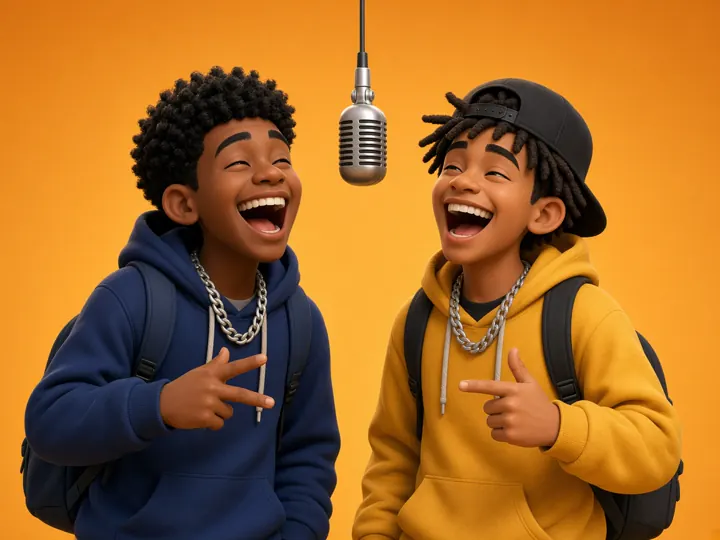
Best-friend duet
Two friends trade bars about an inside joke, a road trip or the group chat. The orange stage keeps both faces large and easy to read on a phone.
Orange StageOriginal AI rap
Both people keep the face from their own photo. The booth stays put. Wan follows a song you already have, and Seedance writes a new verse for the pair. You leave with an MP4.
Moves
Sound
Add two photos and tick the permission box to generate.
Sample clip for illustration — not generated on this site. Muted so it can play on its own.
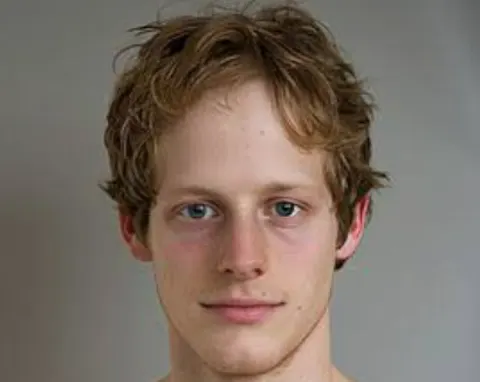
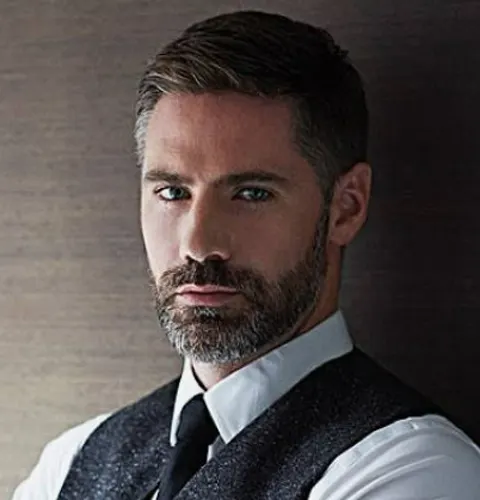 These two photos are the inputs for the example video above.
Pick a scenario, load its settings into the generator, then add your own two photos.
Two friends trade bars about an inside joke, a road trip or the group chat. The orange stage keeps both faces large and easy to read on a phone.
Orange StageOriginal AI rap
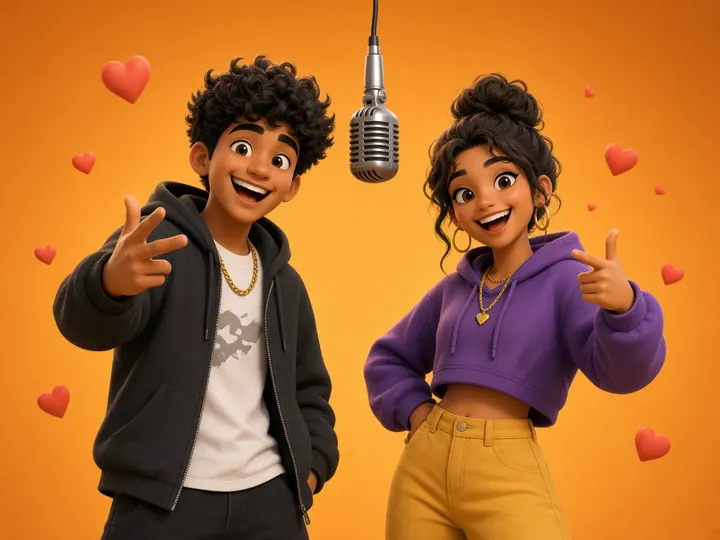
A 12-second anniversary rap where both partners trade lines, ready to send instead of a card.
Orange StageOriginal AI rap
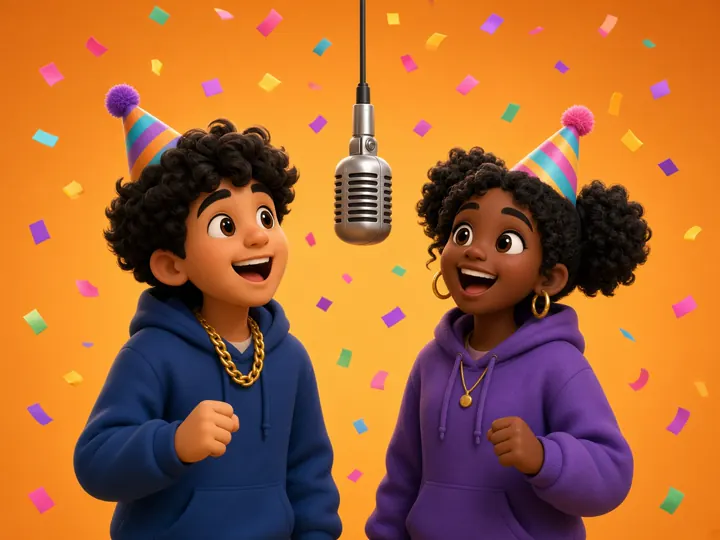
Put the birthday person next to their best friend and let an original AI rap with their name carry the message.
Orange StageOriginal AI rap
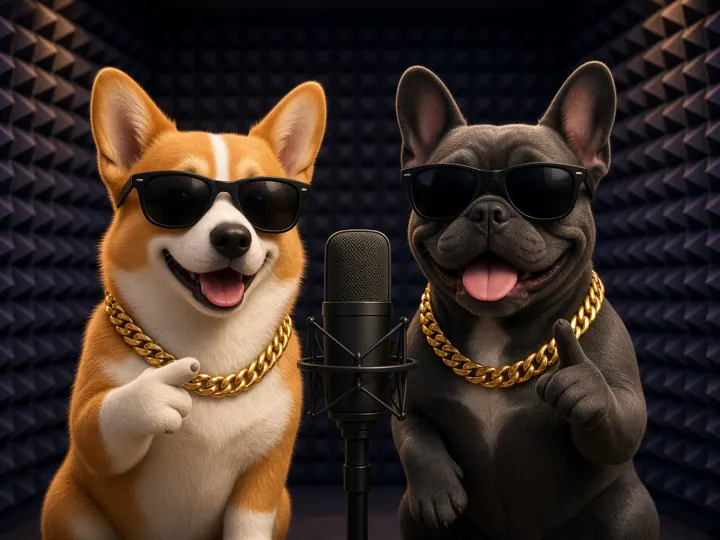
Two pets in sunglasses running the studio booth. Clear, front-facing pet photos work best, and results vary more than with people.
Studio BoothOriginal AI rap
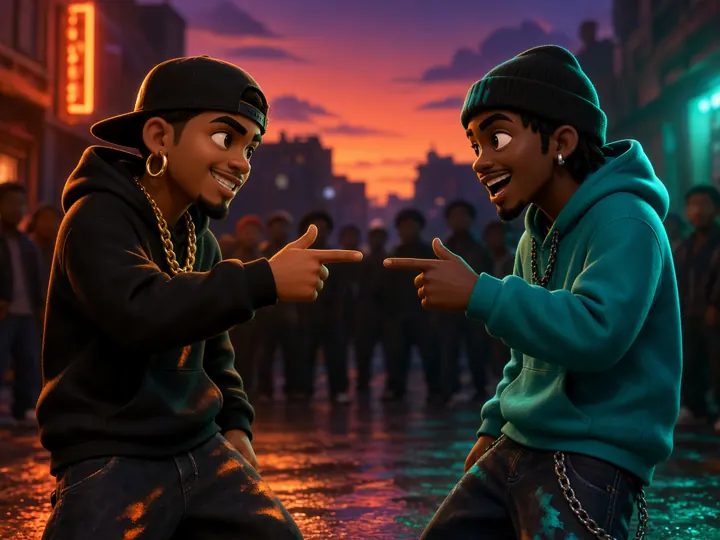
Settle who cooks better or who wins game night with a street cypher face-off. Keep it playful and keep the roasts kind.
Street CypherOriginal AI rap
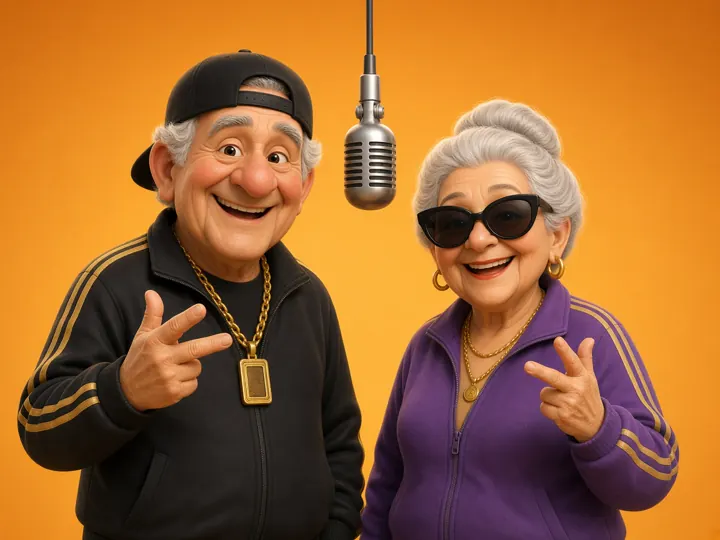
A family favorite: grandma and grandpa keeping time to a reference rap track. Ask them first, then share it in the family chat.
Orange StageReference rap track
Scenario images are illustrations made for this page. Your AI rap video uses the people in your own photos.
An AI rap video is a short clip in which an AI video model animates people from still photos so they appear to rap on camera. This generator focuses on one format that works well in social feeds: two performers side by side, a microphone between them and a clean backdrop that keeps attention on faces and gestures.
You upload one photo for the left performer and one for the right. The model keeps each person's face, hair and outfit, places both people on the stage you choose and adds mouth movement, head nods and hand gestures timed to the audio. Nothing is filmed and no editing skills are needed. The result is still AI-generated, so it works best for fun, greetings and social posts rather than realistic footage.
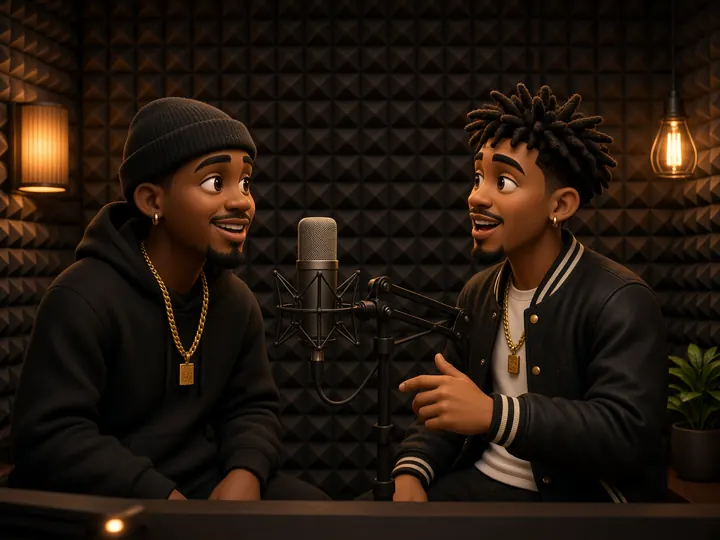
The whole flow happens on this page, and you see the credit cost before anything runs.
One person per photo, facing the camera, in good light. JPG, PNG or WebP up to 10MB each.
Choose the Orange Stage, Studio Booth or Street Cypher, then a reference rap track or an original AI rap about your own topic.
Every model runs 5, 8, 10, 12 or 15 seconds. Mini and Fast stop at 720p. Wan 3.0, Seedance 2.0 and Seedance 2.5 also reach 1080p. Use 16:9, 9:16, 1:1, 3:4 or 4:3. The price updates as you change settings.
Generation time depends on the model queue and clip length. The page checks progress for you and shows the MP4 when it is ready to download.
Built around one job: a short, shareable rap duet made from two photos.
Most talking-photo tools animate one face. Here both performers share the frame, so friends, couples and families appear together in a single clip.
Reference rap track uses Wan 3.0 to follow a motion clip, plus a song you upload or the built-in track when it is turned on. Original AI rap uses Seedance 2.0 to write and voice a short rap about your topic in English, Spanish, Portuguese, French or Chinese.
Export 16:9, 9:16, 1:1, 3:4 or 4:3. Every model runs 5, 8, 10, 12 or 15 seconds, sized for TikTok, Instagram Reels, YouTube Shorts and group chats.
The exact credit cost appears before you click generate. If the AI provider fails a job, those credits go back to your balance automatically.
Your photos and videos are kept in private storage and opened through short-lived links. Nothing is posted to a public gallery.
Finished videos download as standard MP4 files. We don't add a watermark, so you can post or edit them anywhere.
Photo quality matters more than any setting. These habits give the model the clearest view of each performer.
This is the credit cost of one AI rap video with the built-in motion clip trimmed to that length. Uploading your own clip costs more. The generator uses the same numbers.
| Lengths | 480p | 720p | 1080p |
|---|---|---|---|
| 5s | 5 credits | 10 credits | 19 credits |
| 8s | 8 credits | 15 credits | 30 credits |
| 10s | 10 credits | 19 credits | 38 credits |
| 12s | 11 credits | 22 credits | 44 credits |
| 15s | 14 credits | 28 credits | 56 credits |
Wan 3.0 follows the motion clip. A song is included only if you upload one, or if the built-in track is turned on. The frame shape does not change the price.
| Model | 480p | 720p | 1080p |
|---|---|---|---|
| Seedance 2.0 Mini | 10 credits | 22 credits | — |
| Seedance 2.0 Fast | 16 credits | 34 credits | — |
| Seedance 2.0 | 20 credits | 42 credits | 94 credits |
| Seedance 2.5 | 30 credits | 64 credits | 155 credits |
These rows are 12 seconds with the built-in clip. Settings also offers 5, 8, 10 and 15 seconds, and nothing longer. Mini and Fast have no 1080p. Uploading your own clip costs more, because it is billed as 15 reference seconds. Seedance writes an original rap and keeps the booth moves.
One-time credit packs. A 12-second 480p AI rap video uses 11 credits, and packs never expire.
Single
$9.99
one-time
$10.99 / 12s at 480p
Duo Pack
$29
one-time
$6.38 / 12s at 480p
Party Pack
$59
one-time
$3.25 / 12s at 480p
Crew Pack
$99
one-time
$3.11 / 12s at 480p
Studio Pack
$199
one-time
$2.74 / 12s at 480p
Answers about photos, sound modes, credits, privacy and how you can use your videos.
Rap duets use real faces, so consent and privacy come first.
Consent required: you confirm you have permission for both photos before every generation.
No public figures, no sexual or hateful content, and no videos meant to deceive or harass.
Private storage with expiring links; you decide what to download and share.
Credits are refunded automatically when a job fails on the provider side.
Read the details: Terms of Service · Privacy Policy · support@ai-rap-video-generator.org
Upload two photos, pick a stage and see the credit price before you generate.
Make an AI rap video