How do I make an AI rap duo with a friend?
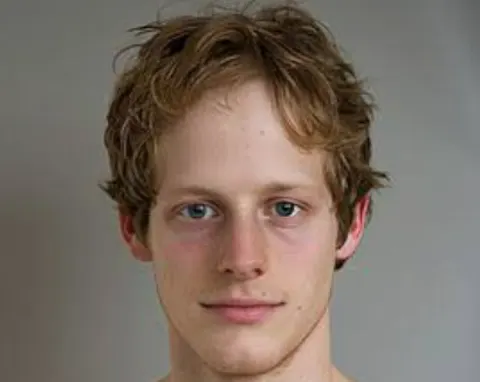
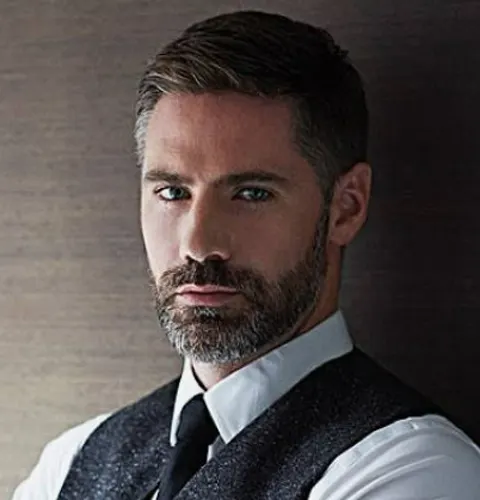
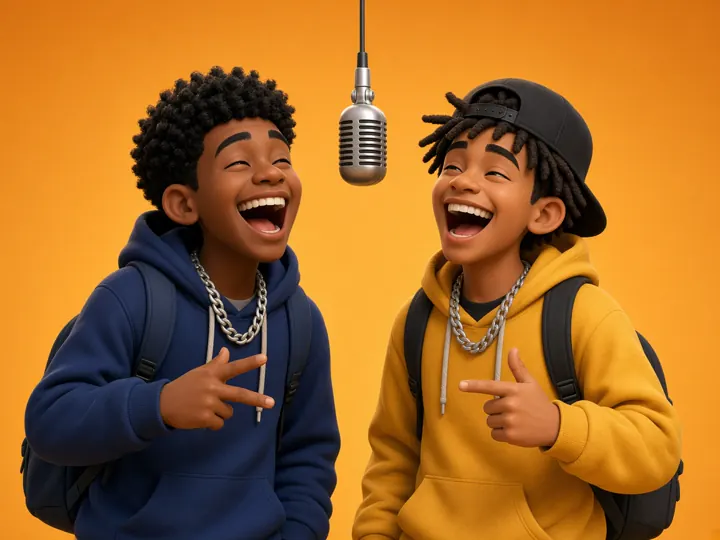
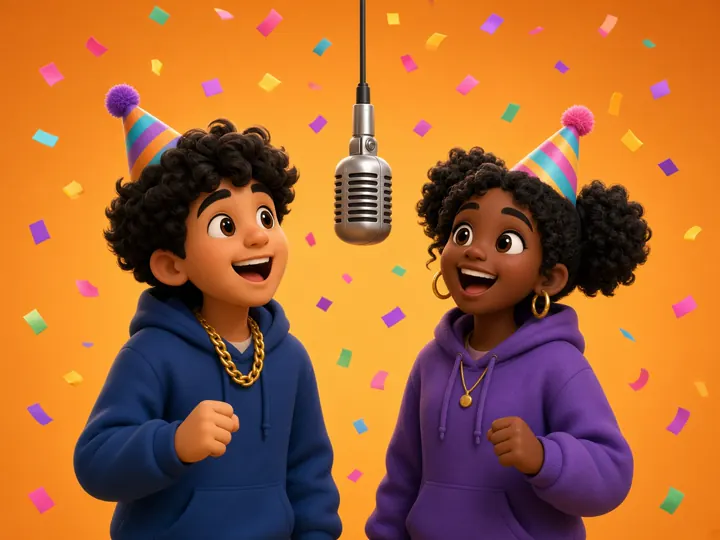
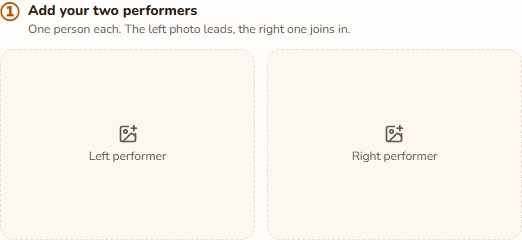
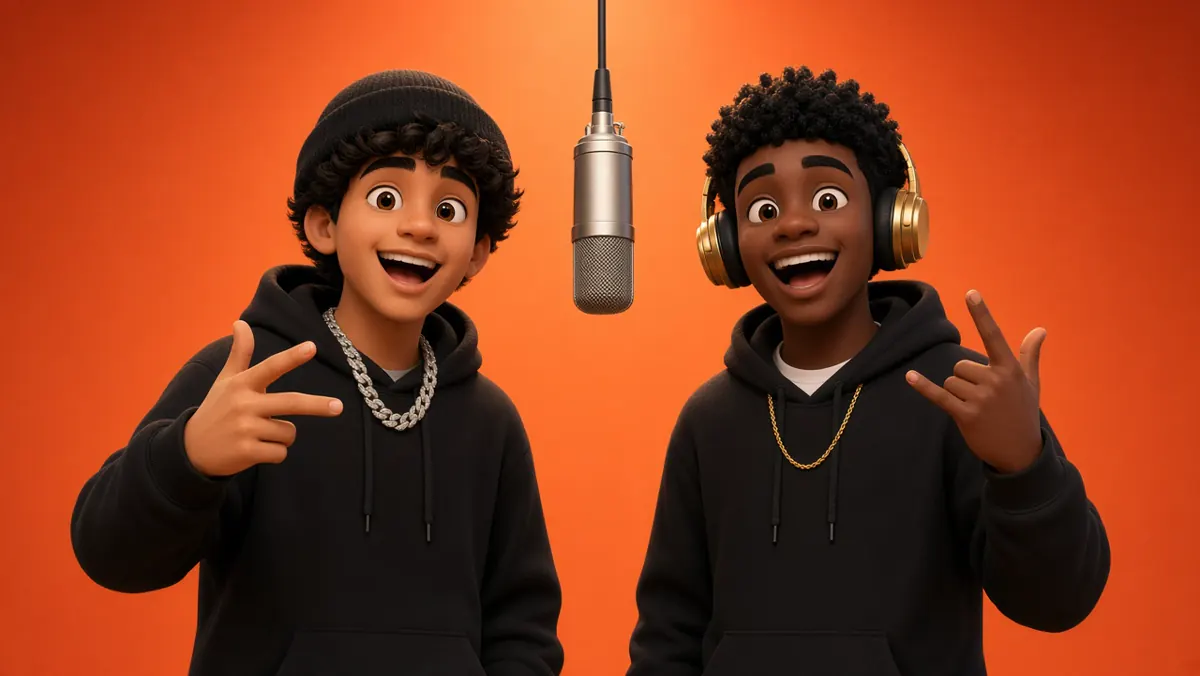
Add one clear portrait to each photo slot. The left slot casts the lead and the right casts their partner. Keep the built-in routine for a recognizable remake, or choose an original-rap model for a new verse. Check the credits, confirm your permissions, and generate right here in the browser.
We only have a photo together. Can we use it?
Prepare two separate crops first, with one person clearly visible in each, then upload them to the left and right slots. This studio currently takes two separate images; it does not automatically separate the people in a group photo. Keep the face and some shoulders in both crops.
Can we both rap instead of having one lead?
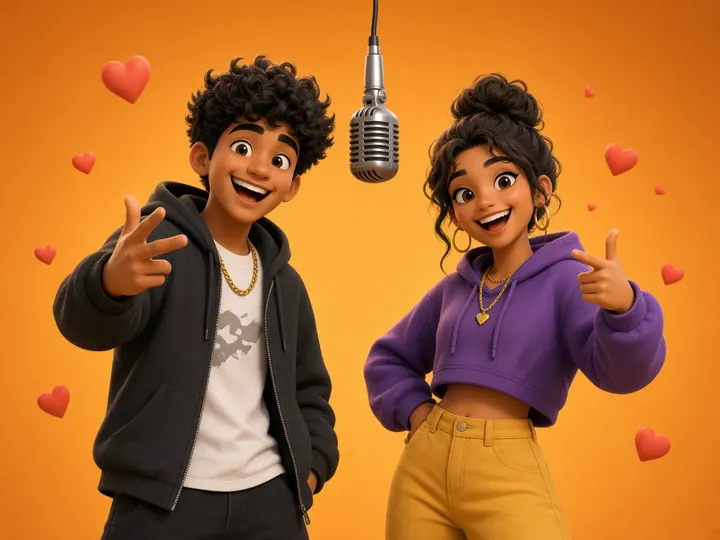
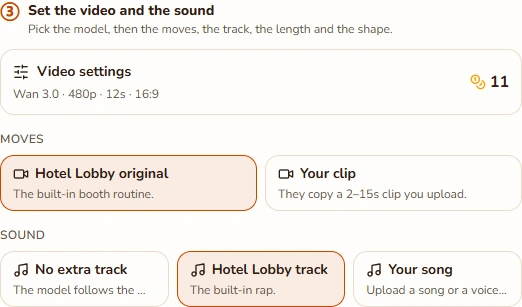
Yes, in original-rap mode. Open Video settings, select a Seedance model, and enable Both rap so the pair can alternate lines. Seedance can reject realistic human faces, so use permitted stylized subjects for that mode. The default Wan routine is a lead on the left with a supporting partner on the right.
Can the duo perform my own song or a personal topic?
For your recording, keep Wan and choose Upload audio: MP3 or WAV, 2–15 seconds, up to 10 MB. For an AI-written verse, choose an original-rap model and enter a topic of up to 120 characters. You can select English, Spanish, Portuguese, French, or Chinese. A topic is not a verbatim lyric script.
Is making an AI rap duo free, or do I need a subscription?
Watching the reference and setting up your duo are free. A personalized render uses the credits shown on the generate button. Credit packs are one-time purchases and their credits do not expire; no subscription is required for this workflow. Changing the model, length, or quality updates your quote.
Which photos and video settings should I start with?
Use two sharp, evenly lit portraits with one visible face each. Avoid sunglasses, tiny faces, or heavy filters. Start with a short 480p clip to check the cast. Available lengths are 5, 8, 10, 12, and 15 seconds. Choose 9:16 for a phone feed or a wider frame to give both performers room.
What if the faces look wrong or generation fails?
Try a clearer portrait if a face drifts or the hands look odd. Higher resolution cannot restore details missing from the photo. Technical generation failures return credits automatically. A successfully rendered clip can still have visual flaws, and a new attempt is charged separately. The reference preview is a guide, not an exact-result guarantee.
Where do I find and download our finished video?
A completed MP4 appears in the preview beside the generator with playback, sound, and download controls. You can also return to My videos after signing in, including when a job finished while the page was closed. Review both faces and the soundtrack before sharing, and use photos and music you have permission to publish.