How do I recreate the Hotel Lobby AI video here?
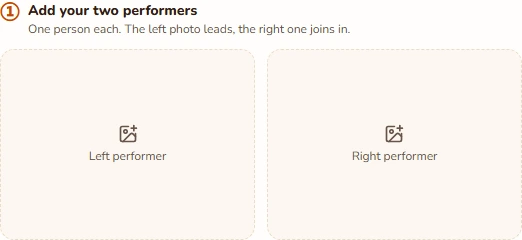
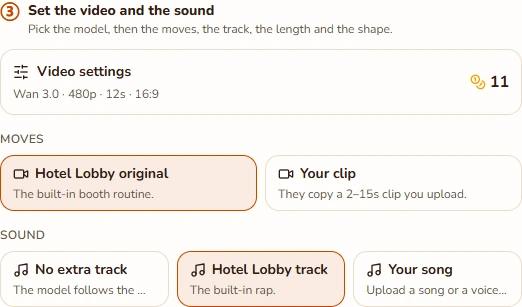
Upload one portrait per person and keep Orange Stage selected. The page starts with Wan 3.0, the built-in routine, a 12-second length, and 16:9 framing. Review the selected soundtrack and credit total, confirm permission to use the photos, and generate. Your finished version replaces the reference preview.
Is Hotel Lobby AI a camera filter or a face swap?
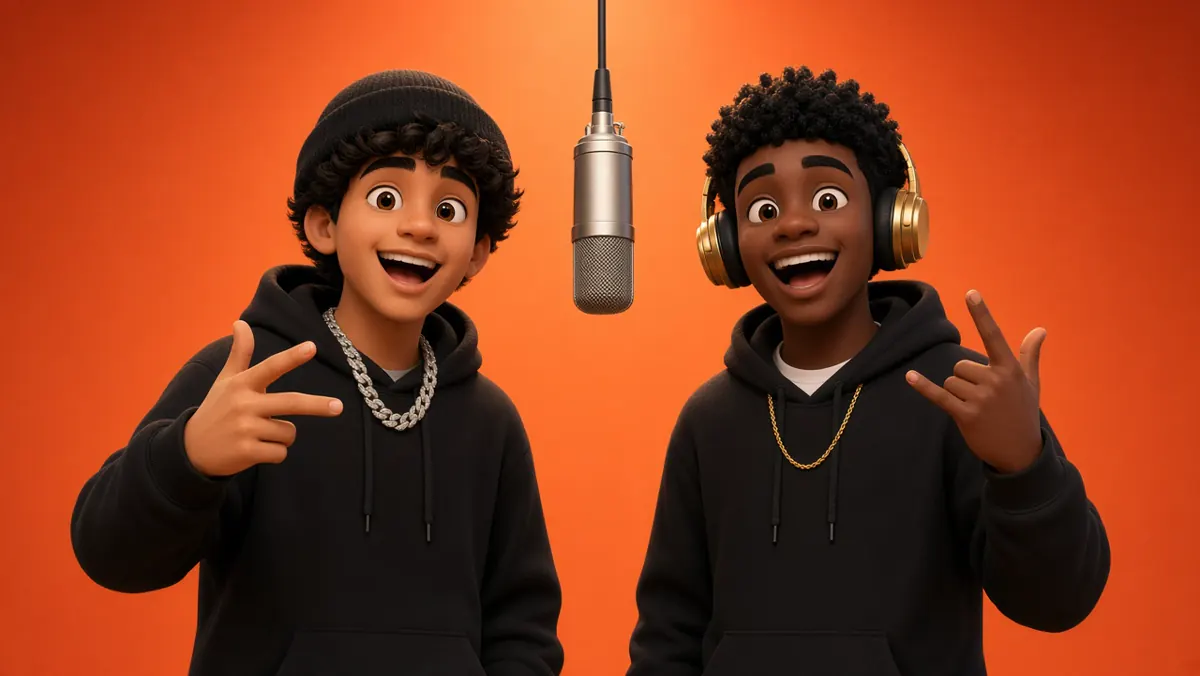
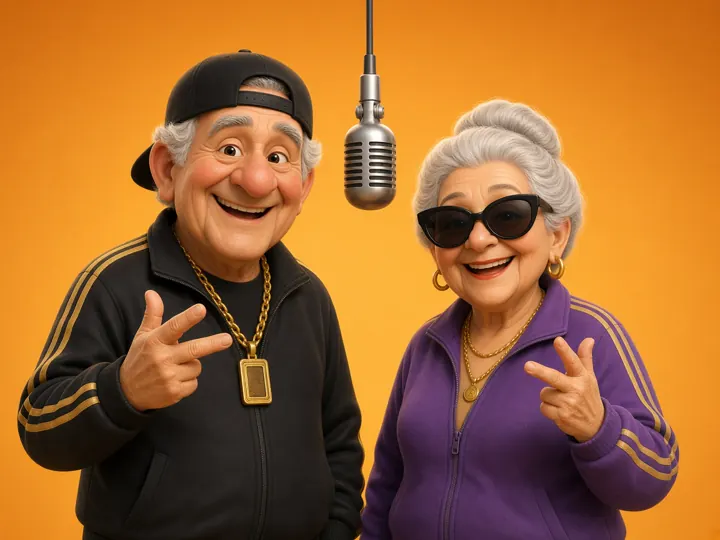
This page generates a new video from your photos and a motion reference. It does not install a live camera filter or simply paste faces onto fixed footage. The requested look is the orange studio and suspended microphone, with your two subjects performing the routine. The result can vary in identity detail and movement.
Does my version include the Hotel Lobby song?
Check the audio choice in the generator. Built-in audio is available when the site enables it; you can also choose no reference audio or upload a permitted MP3 or WAV. The motion reference and soundtrack are separate inputs. Watching a reference does not grant permission to publish its music, and selecting a topic does not change recorded lyrics.
Can I swap the lead and the supporting performer?
Yes: put the new lead in the left photo slot and their partner in the right slot before generating. Wan follows the lead-and-hype setup, with the right performer responding through gestures. If you want new lines for both subjects, choose original rap instead and review that model’s restrictions on realistic faces.
Can we make it from different photos or with pets?
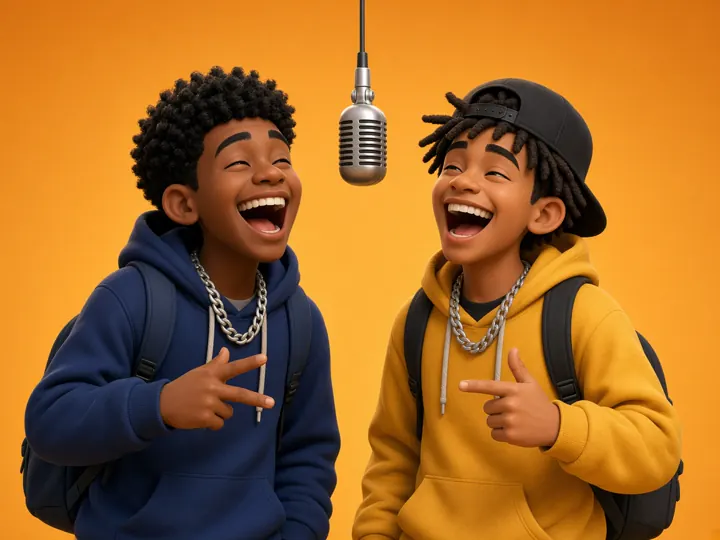
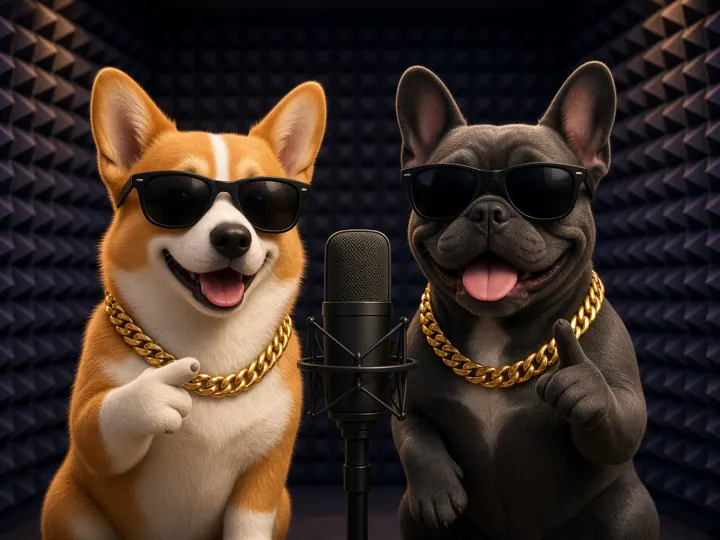
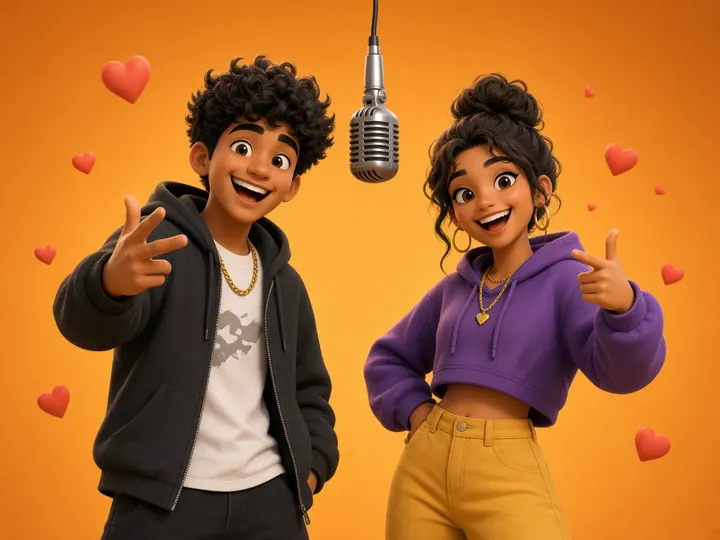
The portraits can be taken in different places. Use one clear subject per photo, with similar face detail and even lighting. You can experiment with stylized pet portraits, but mouths, paws, and proportions may be inconsistent. The illustrated scene cards are ideas for casting the routine, not tested results for every type of subject.
Can I make the orange-booth video vertical?
Yes. Open Video settings and select 9:16 for a phone feed, or keep the default 16:9 to give both performers more space. Lengths are 5, 8, 10, 12, and 15 seconds. Check both sides of a vertical result because the model must fit a wider two-person routine into a narrower canvas.
Is the template free, and what happens if a render fails?
You can watch the reference and prepare your settings without spending credits. Creating your own version is paid with the amount shown on the button; a subscription is not required. The server checks the quote before submitting. Technical failures return credits automatically; a completed but imperfect video is still a completed, charged job.
How do I save the video, and is this an official artist tool?
Use the MP4 download beside the completed preview, or reopen the job in My videos after signing in. This is an independent tool and is not affiliated with the original artists, COLORS, TikTok, or CapCut. Review your likeness and music permissions before posting. The trend name describes the setup and does not imply endorsement.