What does the Window Peeper Filter video look like?
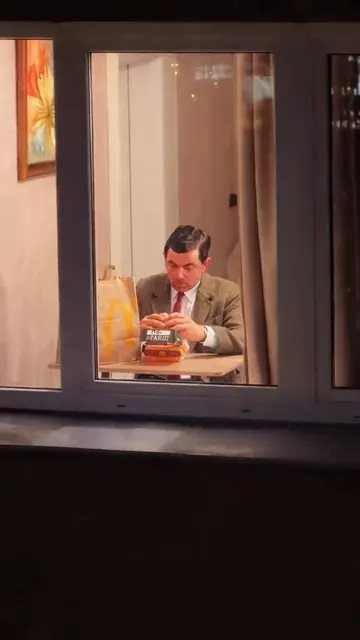
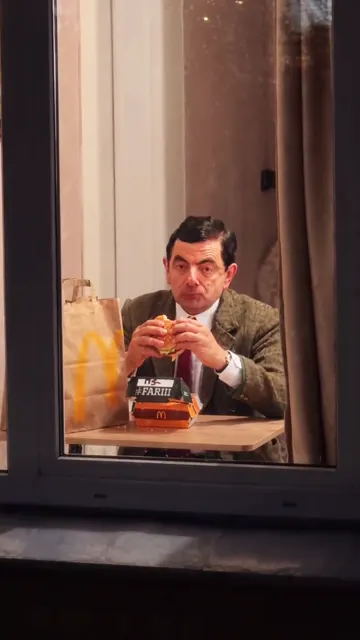
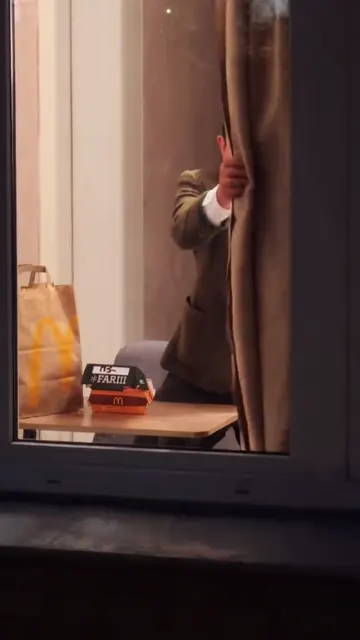
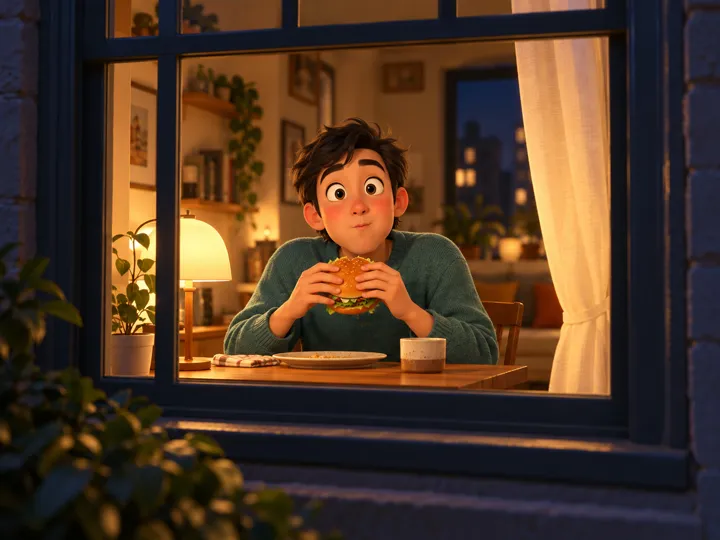
It is the staged window joke: someone eats a burger in a lit room, notices the camera outside, pauses to stare, then closes the curtain. This page uses the supplied 14-second reference to guide that sequence and your portrait to cast the person. The initial preview shows the reference, not a personalized result.
How do I make the window scene with my photo?
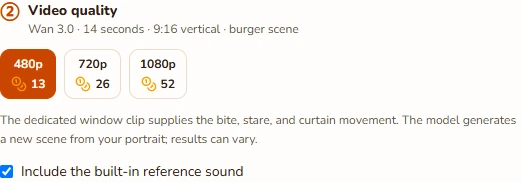
Add one clear portrait, choose 480p, 720p, or 1080p, and review the credit total. Keep the built-in reference sound selected if that option is available and you want it. Confirm your permissions and generate. The template already includes the window, burger, camera movement, and curtain, so you do not need photos of those objects.
Is this a TikTok filter or a CapCut template?
This is a separate browser tool that renders a new video. It does not open TikTok’s camera or install a CapCut template. The creator clips on this page are external references to the format. Their playback and any associated templates are controlled by the original creators and platforms, while this generator uses its own configured reference clip.
Can I put two people in the window?
This version has one person at the table and accepts one portrait. Use a photo with one clear subject; a group picture does not add another character to the scene. If two friends want to try it, each can make a separate clip. The two-person rap pages offer a different workflow for sharing a performance.
Can I change the food, length, or camera framing?
The current template is the burger scene, fixed at 14 seconds and vertical 9:16 on Wan 3.0. Choose output quality, but keep the sequence intact so the bite, stare, and closing curtain all have time to happen. Alternate foods, uploaded motion clips, different durations, and Seedance are not offered for this version.
Which sound will be on my Window Peeper video?
The reference preview has its source audio. A separate built-in track is sent to your render only when the site offers it and you keep it selected. Without that track, the prompt requests quiet room ambience. Listen to the result before posting, since AI can change sound; music permissions remain your responsibility.
Is there a free preview, and how are credits charged?
The reference is free to watch, but it is not generated from your portrait. A personalized render uses the quoted credits for the fixed 14-second video and its motion reference. Quality changes that total, and the server recalculates it before submission. You can use a one-time credit pack; no subscription is required.
What if the curtain or face looks wrong, and where is the download?
Check the whole result for identity changes, hands, the burger, and the final curtain movement. A clearer portrait may help on another attempt. Technical failures return credits automatically, but a successful render can still be imperfect and is charged. Download the completed MP4 from the preview, or reopen the job in My videos.