
How to Make an AI Dance Video From a Photo (2026 Guide)
Yes — one photo is enough. Learn how to make an AI dance video from a photo: steps, costs, lengths, honest limits and what to check before posting.
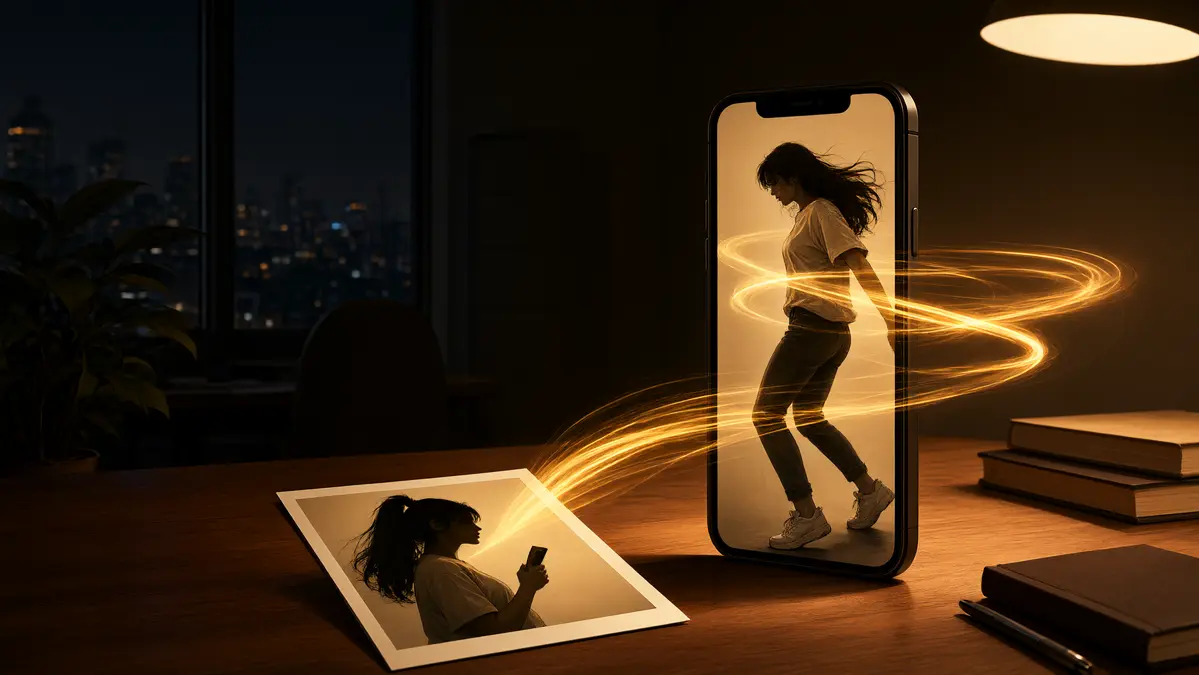
Yes — you can make an AI dance video from a single photo. Upload one clear picture of one person, pick a dance scene, and a reference-to-video model such as Wan 3.0 animates the whole body — arms, legs and hips, not just the face — into a short vertical MP4 you can post on TikTok, Reels or Shorts. No prompt writing, no local install, no video editing.
This guide explains exactly how to do it, what it costs, how long it takes, and the traps to avoid. Every limit described here matches what the AI Rap Video Generator tools actually do — where something is a general industry observation rather than a fact about this site, we say so.
What is an AI dance video from a photo?
An AI dance video from a photo is a short clip generated by an image-to-video model: you supply one still photograph, and the model produces a moving video of that person dancing. Modern tools use "reference-to-video": your photo controls who appears, while a professionally prepared reference clip controls the choreography, camera framing and scene.
The result is typically a 5–15 second vertical (9:16) MP4 — the format TikTok, Instagram Reels and YouTube Shorts expect. The person's face, outfit and approximate age come from your photo; the dance moves come from the reference.
What do you need before you start?
You need exactly three things:
- One photo of one person. JPG, PNG or WebP, up to 10 MB. A clear, front-facing face works best — the model reads identity from the face, so heavy shadows, sunglasses or blurry crops all hurt the result.
- Permission. Only upload photos you own or have the person's permission to use. Children's photos require parent or guardian consent. This is both an ethical rule and, on this site, a terms-of-service rule.
- A free account. Watching example videos needs no sign-up at all. Generating your own video requires a free account, because credits are tracked per account.
You do not need: a video of yourself dancing, editing software, a prompt, or a subscription.
How to make an AI dance video, step by step
The workflow below uses this site's scene pages, but the same five steps apply to any reference-to-video tool.
Step 1 — Choose a dance scene
Pick the trend scene you want to join. Each scene is a ready-made setting with prepared choreography, so you never write a prompt. Current options include:
- The Charme street-party dance — your subject becomes the surprise star of a warm-lit night street party while a crowd cheers and films.
- The Flamingo float pool scene — relaxing on a pink flamingo float in a rooftop infinity pool.
- The 24k Magic deck dance — a groovy two-friends dance on a yacht deck at night.
- The Fancy cafe POV scene — a first-person "my first time in a fancy cafe" moment.
Each page shows free example videos first, so you can see the exact motion before spending anything.
Step 2 — Upload one photo
Drag in or select a single photo (JPG/PNG/WebP, ≤ 10 MB). One person per photo works best for scene pages; if the scene supports two people, the page will ask for two photos. Not sure your photo is good enough? The photo-selection rules in Best Photos for AI Rap Videos apply to dance videos too.
Step 3 — Pick length and resolution
Choose the output length (5, 8, 10, 12 or 15 seconds on most scenes; some trend scenes top out at 10 seconds) and the resolution — 480p, 720p or 1080p, with 480p as the default. Longer and higher-resolution videos cost more credits; the generator shows the exact credit quote for your combination before you spend anything.
Step 4 — Generate and wait
Press the generate button and wait. A job usually takes five minutes or more, and longer when the queue is busy. The progress indicator is an estimate — a real render happens server-side on GPU infrastructure (this site uses Wan 3.0 through the fal.ai platform), so closing the tab does not cancel your job.
Step 5 — Review, download, then post
Check the result before posting: look at the face, the hands and the body proportions — AI video can get these subtly wrong. Download the MP4, then post it with your own caption. Disclose that the clip is AI-generated where the platform requires it, and attach a licensed sound if the generated audio isn't the track you wanted.
How much does it cost?
Pricing models in this niche fall into three groups:
| Model | What you pay | Typical complaints (from user reports on Reddit) | | --- | --- | --- | | Subscription apps | $4.99–$12.99 per week whether you generate or not | Credits burn fast; best features behind the paywall | | Freemium tools | "Free" tier with a watermark on every export | Annoying watermark; slow queue on free tier | | Pay-per-video (this site) | One-time credit packs; per-second quote shown before generating | — |
On this site: watching every example video is free and needs no account. Generating costs credits, quoted up front for your exact length/resolution combination, bought as one-time packs on the pricing page. If a job fails technically, the credits return automatically. A completed video you simply dislike is charged — that is the honest trade-off of pay-per-video, and we'd rather say it plainly than bury it.
Does the output have a watermark?
No watermark is added on this site — the generation prompt explicitly excludes captions, logos and watermarks. Watermarks are one of the most common complaints about freemium dance apps (multiple Reddit threads ask how to remove the Viggle watermark, for example), which is why pay-per-credit tools that skip watermarking have a real advantage here.
Why does my result look slightly off? (and what to do)
AI dance video is good but not perfect. The three most common issues:
- The face drifts or softens. Identity is "requested, not guaranteed". Fix: use a sharper, more front-facing photo; re-render at the same settings.
- Hands look wrong. The single hardest body part for video models. Fix: pick a scene where hands are less prominent, or crop when posting.
- Motion looks stiff compared to the reference. Fix: shorter outputs (5–8s) usually look tighter than 15s ones, because the model has less time to drift from the choreography.
A re-render is a new paid attempt — that is standard across the whole industry, not unique to any one tool.
How is my photo handled?
Uploaded photos and finished videos are stored privately; they are not added to a public gallery automatically. Privacy complaints circulate about several consumer AI tools (r/privacy threads about a well-known dance app's data policy, for instance), so it is fair to ask. The details for this site — retention, providers, and how to request deletion — are in the privacy policy.
FAQ
Can ChatGPT make a dance video from my photo?
No. ChatGPT answers questions and can describe workflows, but as of late 2026 it does not render a dancing video of your photo. You need an image-to-video tool — either an app like the ones compared above or a scene page like the Charme Dance AI generator.
How long can an AI dance video be?
Between 5 and 15 seconds on this site's scene pages (some scenes cap at 10 seconds). That is the sweet spot for trend formats anyway — TikTok's algorithm favors short, loopable clips.
Do I need to know how to write prompts?
No. Scene pages ship with the choreography, framing and scene baked in. Your only inputs are the photo, the length and the resolution.
Is one photo really enough, or do I need several?
One clear photo is enough for single-person scenes. More photos do not improve fidelity on reference-to-video models — photo quality is what matters.
Where to go next
- Watch free examples and try the street-party Charme scene
- Prefer a chill vibe? The Flamingo float scene needs no dance moves at all
- Or start from the main studio and explore every scene