
Reference · Rise, chest-cross, spread wide
16:9 · 0:15
Turn one authorized photo into a Vossi Bop AI video: your subject, suited up on a grand riverside bridge at dusk, rises into the bounce, swings low side to side, brings both hands together in front of the chest on the beat, and finishes with arms spread wide straight into the lens — while the camera orbits from behind to a front medium shot. The supplied reference follows the viral riverside bop format; this Vossi Bop AI workflow keeps your subject’s own face and outfit instead of pasting in the reference dancer.
1 photo · Wan 3.0 · 5–15s · Landscape 16:9 · Credits shown before generation
Video length · maximum 15 seconds
Motion and audio are prepared from a 14.9-second cut of the about-22s source, so the longest prepared motion is 14.9 seconds; a 15-second output continues the bop naturally. The skyline stays generic.
One photo and permission confirmation are required. Sign in to generate.
Supplied riverside bop reference · not a verified site output
The same rules apply to every scene on this page — checked against the generator itself, so you can decide before uploading anything.
| Item | What you get |
|---|---|
| Input photo | One photo of one person — JPG, PNG or WebP, up to 10 MB. A clear, front-facing face works best. |
| AI model | Wan 3.0 reference-to-video: your photo plus the supplied trend reference clip. |
| Output file | MP4 video, horizontal 16:9. |
| Video length | 5, 8, 10, 12, 15 seconds — you pick before generating. |
| Resolution | 480p, 720p or 1080p (480p is the default). |
| Sign-up | Not needed to watch any example on this page; a free account is required to generate. |
| Cost | Credits, quoted before you generate — see the per-second price table below. Watching examples is free. |
| Watermark | None is added: the generation prompt explicitly excludes captions, logos and watermarks. |
| Generation time | Usually five minutes or more; longer when the queue is busy. A technical failure returns the credits automatically. |
| Face fidelity | Requested, not guaranteed — check the face, hands and body proportions in the result before sharing it. |
| Sound | Scene sound is generated; rights to the original trend track are not granted, so add a licensed sound when posting. |
Turn one authorized photo into a riverside bop clip: a suited dancer swinging low, crossing hands at the chest on the beat and spreading arms wide while the camera orbits to the front. The workflow keeps your subject’s own face and a generic skyline — never any named artist or official video.
Watch the complete result without sound first. Confirm the dancer still has their own face and outfit, that the hands meet cleanly at the chest on the beat, and that the orbit keeps them well-framed before sharing.
The reference keeps one arc all the way: a suited dancer on a riverside bridge at dusk, the camera sliding from behind to the front while the move builds — low swings, the chest-cross on the beat, then both arms spread wide into the lens. Watch the orbit timing before planning your own.
16:9 · 0:15
The supplied variant runs the full order: arms rising into the bounce, the low side-to-side swing, hands meeting at the chest on the beat, and the open-armed finish toward the camera. The display copy is a 14.9-second cut from an about-22-second source.
Use my photo for the bopThis is a supplied trend reference, not a verified output of this website and not footage of any real person or official music video. The prompt keeps your uploaded subject’s identity and a generic skyline. Exact timing and a perfect facial match are not guaranteed.
Sign in and choose a JPG, PNG or WebP up to 10 MB. Use one person with the face unobstructed and enough torso detail to read the swing and the chest-cross, because the routine is all upper-body rhythm. Children require parent or guardian permission. Avoid group shots, heavy filters and hands hiding the face.
Try this step in the generatorChoose your bop dancer
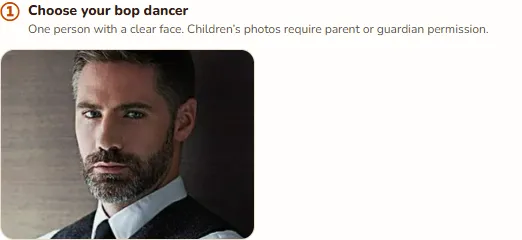 Enlarge interface screenshot
The model is already Wan and the format is landscape 16:9. Choose 5, 8, 10, 12 or 15 seconds and a supported resolution; the default is 15 seconds at 480p. The prepared motion reference is a 14.9-second cut, so a 15-second output continues the bop naturally. Read the credit quote and enable reference audio only when you have permission.
Try this step in the generatorChoose length and video quality
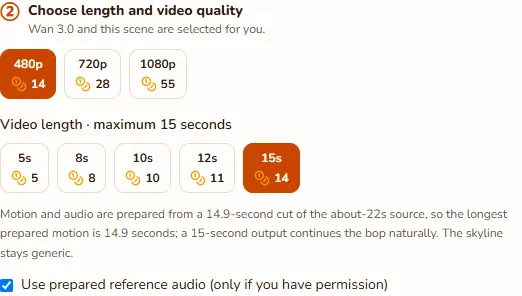 Enlarge interface screenshot
Confirm permission and start the task. Allow at least five minutes and longer during busy queues. The centered percentage is estimated; the pixel animation illustrates waiting rather than actual provider frames. When the MP4 appears, watch it from beginning to end, first muted and then with sound. Check the dancer’s face, hands and the chest-cross timing before downloading or opening the share options. Another generation uses credits again.
Try this step in the generatorConfirm and create
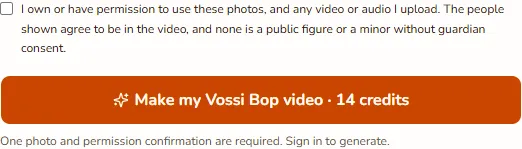 Enlarge interface screenshot
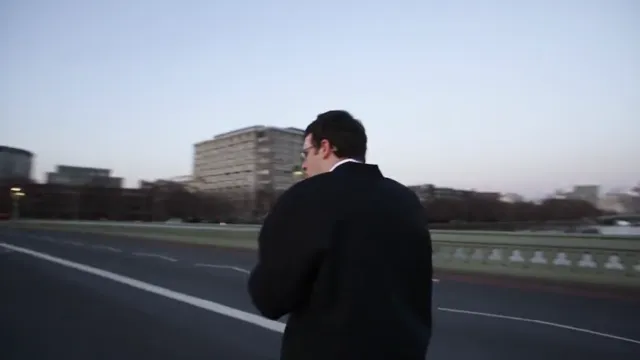
The riverside-bop look is easy to recognize: a grand bridge at dusk over the water, a soft city skyline behind, and one dancer in a smart suit jacket holding the beat. The move builds in three beats — a low side-to-side swing, both hands brought together in front of the chest on the drop, then arms thrown wide open toward the camera — while the camera glides in a smooth arc from behind the dancer to a front medium shot.
This is the single-person version of the trend. It is not a two-person scene, an official music video or any artist recreation: the prompt never imitates or credits any named rapper and keeps the skyline generic rather than an exact landmark. The dancer comes entirely from your photo. Faces, hands and timing can still vary.
The routine lives in the shoulders and hands, so a chest-up photo with both arms visible helps most. Keep the face unobstructed and avoid tight crops that hide the shoulders.
Watch the complete result without sound first. Confirm the dancer still has their own face and outfit, that the hands meet cleanly at the chest on the beat, and that the orbit never leaves them half-framed. A confident look does not replace checking these details before sharing.
The source runs about 22 seconds, and the prepared motion is a 14.9-second cut. Selecting 15 seconds does not supply a longer original performance; it asks Wan to keep the bounce going. Choose 8 or 10 seconds for a version close to the core move, and keep platform captions away from the spread-arms finish.
The table uses the same current Wan calculation as the generator and server, including the prepared motion reference. Length and resolution affect the total. Watching the supplied example is free; making a personalized video requires sign-in and enough credits. Read the quote on the button before you start, and use 480p for a lower-cost first attempt.
| Lengths | 480p | 720p | 1080p |
|---|---|---|---|
| 5s | 5 | 10 | 19 |
| 8s | 8 | 15 | 30 |
| 10s | 10 | 19 | 37 |
| 12s | 11 | 22 | 44 |
| 15s | 14 | 28 | 55 |
Credits are deducted when a task starts. Confirmed technical failures or cancellations restore the charged credits through the task ledger. A completed clip with imperfect facial detail, hands or timing is not automatically a failed task, and another generation uses credits again. Credit-pack prices, expiry and purchase refund conditions are on the pricing page. Download results you want to keep.
See credit packs and purchase rulesIt turns one photo into a riverside bop clip: a suited dancer on a bridge at dusk swings low, brings both hands together at the chest on the beat, and spreads their arms wide into the lens while the camera orbits to the front. Your photo guides the dancer’s appearance; the reference guides the setting, camera path and move order.
No. The name follows a viral dance-trend format, but this is an original fan-style performance: the prompt never imitates or credits any named rapper, never recreates any official video, and keeps the skyline generic instead of an exact landmark. Your own photo supplies the dancer.
Output duration is separate from reference duration. The supplied source runs about 22 seconds, and maximum prepared motion is a 14.9-second cut; nothing is stretched into a fake source. For a 15-second output, Wan continues the bop naturally. Other options are 5, 8, 10 and 12 seconds.
Wan 3.0 reference-to-video is the only model. Output is landscape 16:9 MP4 at 480p, 720p or 1080p. The default is 15 seconds at 480p. The bridge, orbit and move order are prepared; there is no custom scene, lyrics or video-upload control here.
The prompt requests the same identity, build and outfit cues, but exact preservation is not guaranteed — especially mid-swing. Check the face, hands and shoulders. The preview is not a measured success-rate example or a verified result from your photo. Another render is a new paid attempt.
Prepared reference audio is optional when the site enables it. It guides the bounce, but generated sound may differ and no original recording is included or guaranteed. Photo permission does not grant music rights. If you plan to post publicly, use sound you are permitted to use or add an available platform-licensed track after downloading. Turning off reference audio still allows Wan to generate riverside ambience.
Allow at least five minutes, and longer when the queue is busy. The centered percentage is an estimate, and the pixel animation illustrates waiting rather than actual provider frames. A confirmed technical failure or cancellation restores charged credits. A completed result you dislike is not automatically a technical failure. Keep the task ID if you need support to investigate an unresolved job.
Yes. Review the output first, then download it or use a supported device share sheet. The fallback helps you save the file and open TikTok or X; you may still need to attach the video yourself. You choose the caption, permitted sound and final publish action. The site does not automatically post to your social accounts, and you should disclose that the clip is AI-generated.
Use photos you own or have permission to animate, and disclose that shared results are AI-generated. The supplied video is a trend reference, not a verified output of this website, footage of any real person, or an endorsement by any artist, label or platform. Photo permission does not grant music rights. Personal uploads and results follow existing private storage and owner-access rules. Current privacy, terms and support are available through the footer.
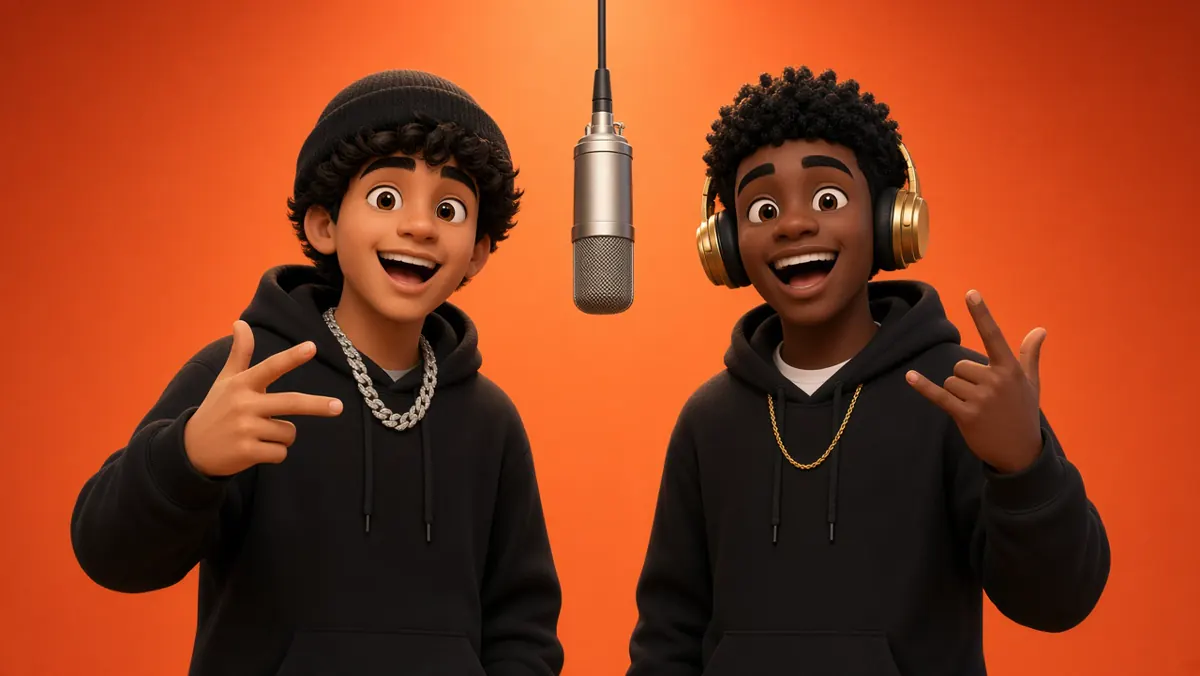
Start from the main studio: bring two portraits together, explore three stages, and choose a reference track or an original rap.
Explore this video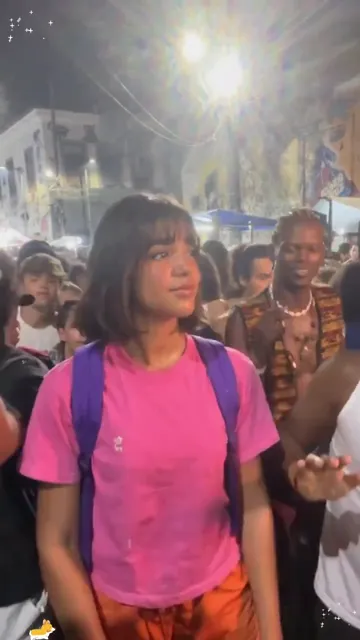
Drop your photo into a warm-lit night street party and let the crowd hype an unlikely star.
Explore this video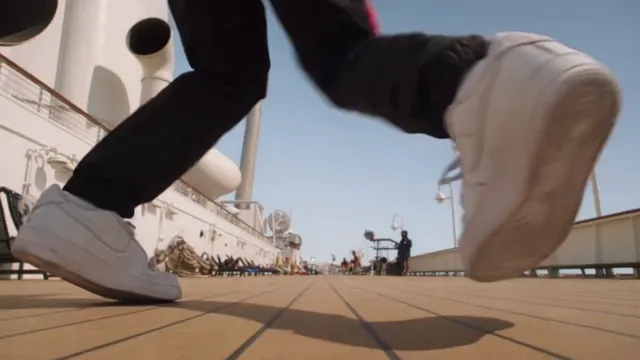
Strut, stomp and kick across a sunlit ship deck in the retro-funk routine trend.
Explore this video