Example 1
9:16 · 0:05
One photo. A pink 90s bedroom. You are on the phone when the masked figure behind you rushes in and drags you off the bed. Make the five-second scene with Wan.
1 photo · Wan 3.0 · 5s · 480p · 9:16 · 5 credits
The bedroom, phone call and drag are built in. Wan may block this scene in content checks; changing portraits alone may not resolve it. Failed tasks return their credits.
Add your photo and confirm permission. Each generation costs 5 credits.
Supplied reference · not generated on this site · jump scare
This Ghostface Rap AI page makes a short pink-bedroom phone-call scare video. It is a fixed motion template, rather than a still-image prompt tutorial or a general rap generator. You do not need to photograph a bedroom, telephone or masked character yourself.
Check the caller identity, telephone hand, background entrance and final movement. Supplied reference and example files are not a guarantee of this run. Keep the task in My videos while processing and review the result before exporting it.
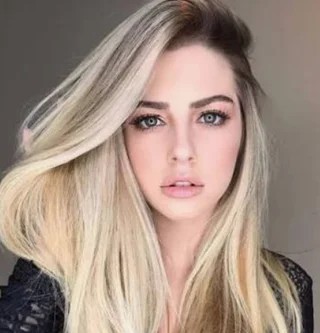
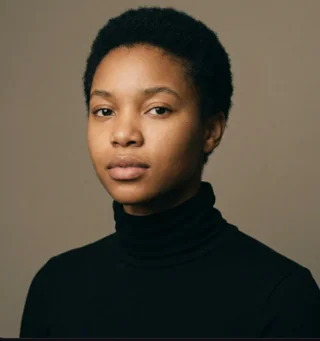
Two supplied AI-generated clips with their input portraits. Compare the phone-call setup and sudden drag before making your version.
User-supplied generated examples, not a promise of every result. The site, model and exact settings that produced these files have not been independently verified.
This Ghostface Rap AI template follows one specific scene. The reference plays beside the generator so you can check the setup and the ending before spending credits. These three frames come from that supplied clip; they show the target action, rather than three separate generated results. Your photo replaces the unmasked caller. The figure in the robe stays masked, and the bedroom remains the setting.
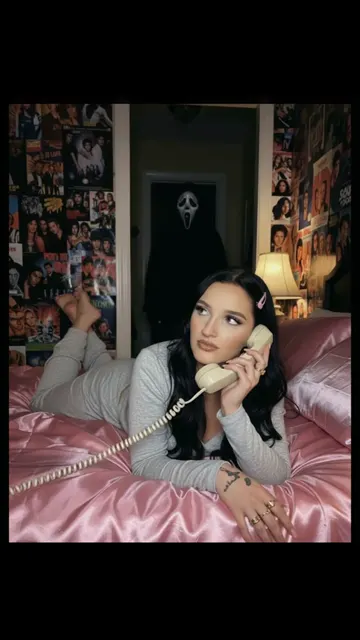
Frame from the supplied reference video
The opening looks like a quiet 1990s sleepover: pink satin bedding, a bedside lamp, wall posters and a chunky corded phone. You are the person on the bed, talking into the handset. The contrast between the comfortable room and the dark doorway makes the surprise readable even on a small phone screen.
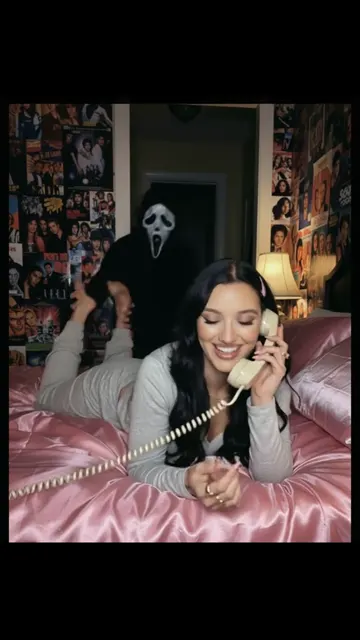
Frame from the supplied reference video
A black-robed figure with a white horror mask appears behind the caller and moves toward the bed. The mask belongs to an anonymous character, while your uploaded face belongs only to the caller. The reference guides the reveal and rush; it is not used as a source for the caller’s identity or clothes.
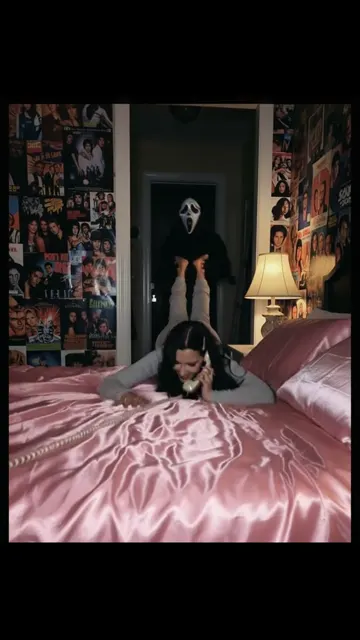
Frame from the supplied reference video
The scene changes abruptly: the masked figure grabs the caller by the ankles and pulls them off the bed. The handset falls onto the sheets as the camera follows the movement. This is the action the video aims to recreate, rather than ending with someone simply standing in the doorway. It is staged as a fictional, non-graphic scare.
Choose a clear photo of the person who will answer the phone. A front-facing or slightly turned portrait with the head and shoulders visible gives the model useful face and body information. You do not need to photograph a bedroom, buy a mask or pose with a telephone. Use your own photo or a photo you have permission to use. Sign in before submitting the generation; if you need to sign in first, the return link brings you back to this template.
Try this step in the generatorAdd your photo
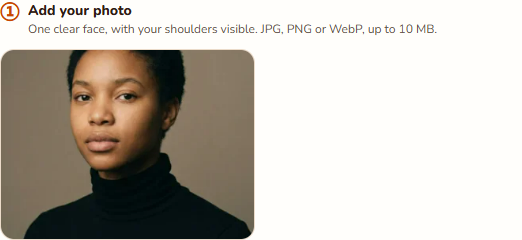 Enlarge interface screenshot
Check the settings shown in the screenshot: Wan 3.0, five seconds, vertical 9:16 and 480p, for five credits per generation. Play the reference on the right. If the site’s reference-audio option is available, use the checkbox to include this template’s own track. There is no longer-duration or higher-resolution option on this page. The audio checkbox does not change the five-credit price.
Try this step in the generatorYour video settings
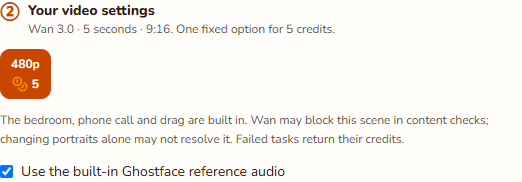 Enlarge interface screenshot
Confirm permission with the checkbox, then press Make my Ghostface video. Allow five minutes or more for generation; queue times vary. The right-hand panel displays estimated progress and a rendering illustration, then replaces it with your completed clip. Play and check the result before downloading the MP4. Signed-in users can also find completed results in My videos. Technical failure returns the task’s credits; a new successful retry is another five-credit task.
Try this step in the generatorConfirm and create
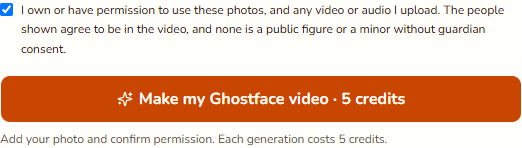 Enlarge interface screenshot
Use even lighting and a reasonably sharp image. Avoid masks, dark sunglasses, strong beauty filters and photos with several faces. A tight crop of just the eyes gives the model little information for the phone pose, so leave space around the head and shoulders. If the face in your photo is small or blurred, choose a better source before generating. The template asks Wan to preserve your face, hair and outfit, but a reference photo cannot guarantee perfect likeness.
The rush, ankle grab and movement off the bed happen quickly. Hands, the telephone cord, feet and facial detail can become less consistent during that motion. Review those moments before sharing. A successful render can still look different from the reference, and the exact mask shape or camera movement can vary. The preview demonstrates the intended choreography; it is not a promise that every generation will reproduce each frame. This page keeps the scene fixed so you can judge that one effect clearly.
This template works for a Halloween reaction, a retro bedroom skit or a short fictional horror joke. Let viewers know it is an AI-generated scene and consider a jump-scare note when sharing. The finished file uses a vertical format for phone viewing. If you add music, captions or edits in another app, check the rights to those additions. Preview audio and generated audio can differ, so listen to the exported result before choosing a soundtrack or publishing it.
1 photo · Wan 3.0 · 5s · 480p · 9:16 · 5 credits
Ghostface Rap AI has a fixed five-credit charge for the configuration shown above. Previewing the supplied clip is free; submitting a generation uses your account credits. General model rate changes do not change this template’s fixed offer. Credit packs are purchased separately on the pricing page, where you can check current pack prices and payment options. A ten-credit balance covers two attempts at this template. Each attempt produces a new result and spends another five credits.
Credits are deducted when the task is created. If the provider rejects the job or the task is recorded as failed, the existing task system returns the deducted credits once. A completed result that you dislike is different from a technical failure; do not assume it will be refunded automatically. Contact support for a billing issue, and review the terms for purchase and refund rules. Keep a downloaded copy of a result you want to retain.
View credit packs and payment optionsIt makes the pink-bedroom phone-call jump scare from one portrait: the caller lies on the bed, a white-masked figure appears behind them, then rushes forward and drags them off the bed. The page name follows the requested keyword. This particular template creates that visual scene; it does not write rap lyrics or clone a rapper’s voice.
No. Upload one clear portrait, preferably with shoulders visible. The bedroom, satin sheets, corded telephone and masked character are supplied by the built-in scene and motion reference. You do not need a second person’s photo, an action clip or a custom prompt to start.
This page offers only Wan 3.0, five seconds, 480p and vertical 9:16. The five-credit price applies to that fixed configuration. Longer clips, Seedance models, alternate aspect ratios and higher resolutions are not offered by this template. Other tools on the site have their own settings and credit charges.
You can watch the supplied preview without paying. Generating your own version requires a signed-in account with at least five credits. The server checks the template configuration and deducts five credits when creating the task. The charge is calculated by the server, rather than accepted from the browser.
The preview keeps the supplied clip’s audio. Generation uses a separate audio file only when the site’s reference-audio feature is available and you select the built-in-audio checkbox. The motion reference itself has no audio track. When reference audio is off, the model is prompted for room ambience and a startled reaction; exact sound matching is not guaranteed.
No. Five seconds is the output duration. Uploading, queueing, rendering and storing the result take additional time. Leave the page open to see progress, or check My videos after signing in. A progress percentage indicates the task stage and does not promise a particular completion time.
A task recorded as failed returns its five credits automatically through the task ledger. If the provider reports a content-policy block, it may involve the prompt or reference media as well as your portrait; changing only the photo may not resolve it. Repeating the same blocked request is not a reliable fix. Likeness changes in a completed video are a separate quality issue. Contact support with the task details before retrying; a new generation is another paid task.
The hero player is a supplied reference clip, labeled beside the player. The two example cards are separately supplied AI-generated videos with their input photos. Their generating platform, model and settings are not independently verified. The scene stills come from the reference, and the how-to images show the actual website controls. None of these materials guarantee the result of a new generation.
Use photos you have permission to upload. Inputs and completed outputs follow the private-storage and signed-link flow. The hero is a supplied reference; the two labeled example cards are supplied generated clips, not customer testimonials or verified model benchmarks. Operation screenshots explain the real controls without making a new paid task. Review the privacy policy and terms, and contact support about a result or charge.
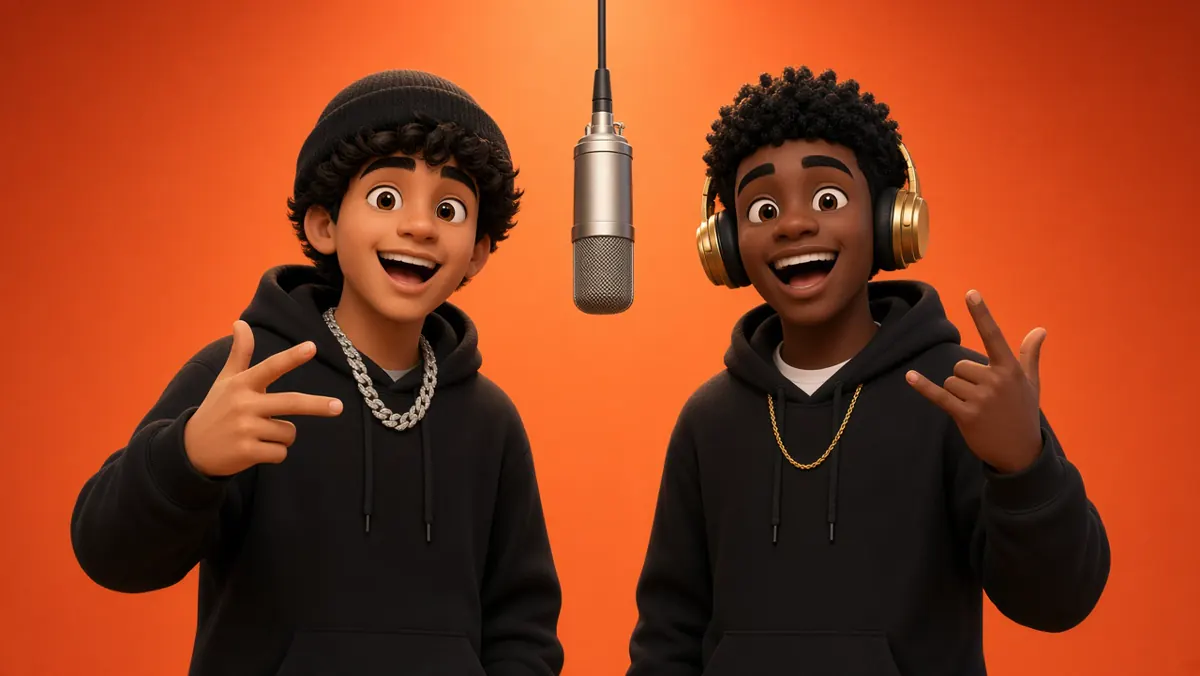
Start from the main studio: bring two portraits together, explore three stages, and choose a reference track or an original rap.
Explore this video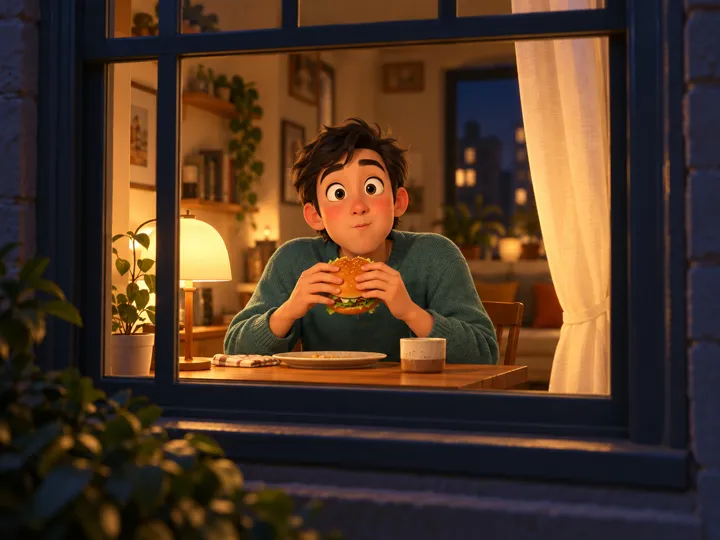
One photo, a burger, a surprised look and the curtain closing. Make a different short comedy scene.
Explore this video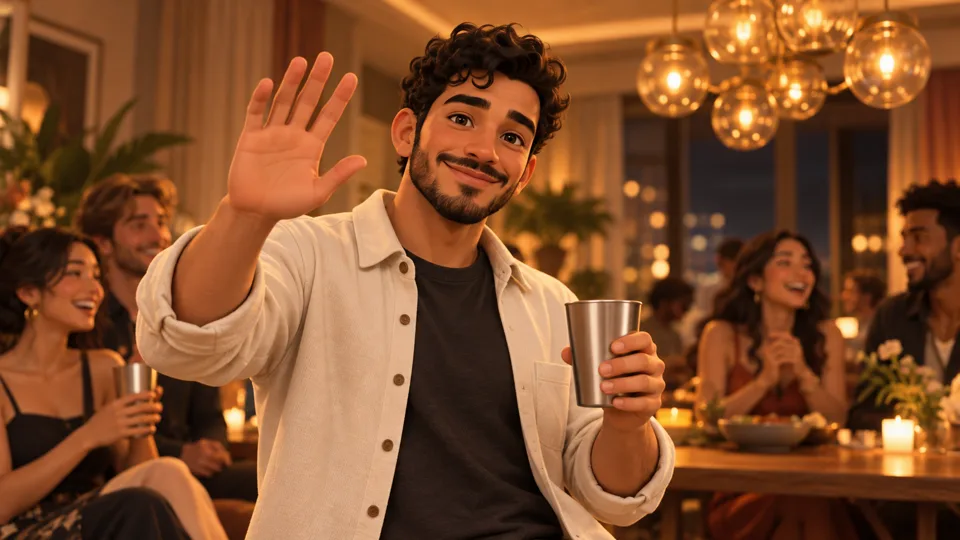
Take the lead in a warm chandelier-party scene. One portrait, a silver cup, and a crowd reacting around you.
Explore this video