
Example 1 · The oversized phone reveal
9:16 · 0:15
One photo becomes the lead in the phone-reveal dance: open an impossibly large folding screen near the camera, step back into a warm room, toss the prop and dance. Make your iPhone Kupi Dance AI video below with Wan, using the supplied clips to understand the intended movement.
1 photo · Wan 3.0 · 5–15s · 9:16 · Credits shown before generation
Video length · maximum 15 seconds
Each length selects its own silent motion clip and separate audio. The longest motion is 14.9s; audio is slightly shorter. A short output may compress the reveal or omit later dance moves.
One photo and permission confirmation are required. Sign in to start generation.
Supplied Kupi dance reference · not a verified output of this website
The same rules apply to every scene on this page — checked against the generator itself, so you can decide before uploading anything.
| Item | What you get |
|---|---|
| Input photo | One photo of one person — JPG, PNG or WebP, up to 10 MB. A clear, front-facing face works best. |
| AI model | Wan 3.0 reference-to-video: your photo plus the supplied trend reference clip. |
| Output file | MP4 video, vertical 9:16. |
| Video length | 5, 8, 10, 12, 15 seconds — you pick before generating. |
| Resolution | 480p, 720p or 1080p (480p is the default). |
| Sign-up | Not needed to watch any example on this page; a free account is required to generate. |
| Cost | Credits, quoted before you generate — see the per-second price table below. Watching examples is free. |
| Watermark | None is added: the generation prompt explicitly excludes captions, logos and watermarks. |
| Generation time | Usually five minutes or more; longer when the queue is busy. A technical failure returns the credits automatically. |
| Face fidelity | Requested, not guaranteed — check the face, hands and body proportions in the result before sharing it. |
| Sound | Scene sound is generated; rights to the original trend track are not granted, so add a licensed sound when posting. |
No. iPhone Kupi Dance AI uses your adult portrait for the lead and a prepared reference for the oversized flexible-phone reveal and dance. It requests a fictional prop; it is not an Apple product demo or a guarantee that brand details will be reproduced.
Check for a screen covering the face, fused fingers, warped prop edges and abrupt movement. Supplied clips show the requested trend, not a verified success rate. Preview the full result, then use its download controls or My videos.
Play both supplied videos before choosing your photo. The gag starts close to the camera with the folding screen, then needs a wider view for the dance. The first clip supplies this page’s motion and audio references and appears in the right-hand preview. The second shows a shorter variation with a different performer.
9:16 · 0:15
A performer unfolds a small phone into a broad, flexible screen, steps backward, throws the prop upward and begins the loose arm-and-body dance. The golden room, dark window and foreground bed keep the action in a recognizable setting. This display copy contains only the opening 14.9 seconds of the longer supplied video.
Use my photo for the Kupi dance9:16 · 0:12
The second supplied clip moves from the same close-up phone presentation into a wider dance. Watch how the hands separate from the device and how the performer becomes fully visible after stepping back. This example is trimmed to 11.9 seconds; it is a style comparison, not another selectable choreography preset.
Use my photo for the Kupi danceOwner-supplied trend references, compressed and trimmed for display. These clips are not independently verified generations from this website. Original marks, interface details or soundtrack may remain in the sources; the generation prompt asks for a plain fictional prop and no copied text or logos.
Sign in, then choose one JPG, PNG or WebP up to 10 MB. Use a consenting adult facing the camera, with clear facial detail and some torso or full-body information. Avoid a phone covering the face, group selfies and heavily filtered images. The model must recognize the same person during the close-up reveal and the wider dance, so a sharp, naturally lit image is more useful than a dramatic crop.
Try this step in the generatorAdd your dancer’s photo
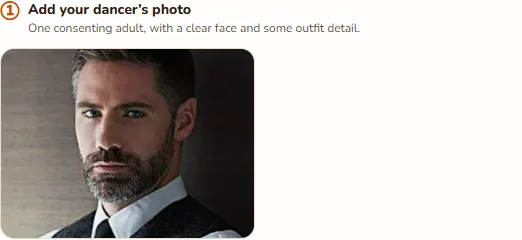 Enlarge interface screenshot
The page opens with Wan at 15 seconds,480p and vertical 9:16. Choose 5, 8, 10, 12 or 15 seconds and one of the three resolutions. A longer setting gives the phone reveal, step back and dance more time to read; the shorter choices are compact variations. Check the credit total after changing any setting. If prepared reference audio is available, enable it only when you have permission to use that sound.
Try this step in the generatorChoose length and video quality
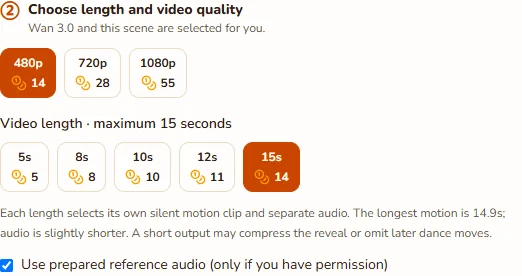 Enlarge interface screenshot
Confirm permission and start generation. Allow at least five minutes while the preview shows estimated progress. When the MP4 arrives, watch the phone unfolding, the hands releasing it and the first dance steps before downloading. A screen that merges into a hand or blocks the face can spoil the joke even if the final pose looks good. After reviewing the whole clip, use the download or share controls to continue on your platform.
Try this step in the generatorConfirm and create
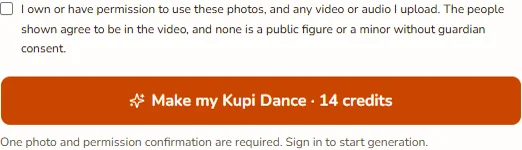 Enlarge interface screenshot
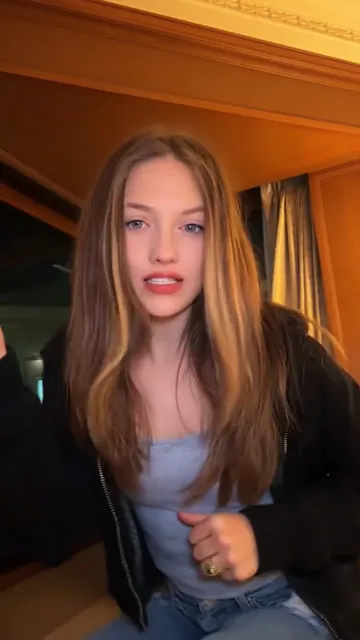
The recognizable setup is an oversized folding screen held near the lens. As the lead steps backward, the shot makes room for a full-body performance. The screen leaves the hands, the arms open and the room becomes the stage for a loose, playful dance. Keeping the phone reveal and movement in one continuous scene helps the viewer understand the transition rather than seeing an unrelated gadget shot followed by a dance clip.
This tool requests the supplied room-and-phone sequence with a new adult subject. It is a fictional visual effect, not an Apple product advertisement, a real foldable-iPhone specification or an official branded template. Your image guides the person’s appearance; the motion reference guides staging and broad timing. It does not guarantee an exact face, outfit, phone shape or frame-by-frame choreography match.
A waist-up or full-body source image helps establish the dancer’s proportions and clothing. Keep the face large enough to read, but do not crop all the shoulders away. Avoid sunglasses, hair across the eyes or two people close together. The phone passes in front of the torso at the start; a clean reference makes it easier to judge whether the same person remains visible as they move away from the camera.
Watch muted once and track the device: folded, opened, displayed and released. Look for duplicate phones, extra fingers, a screen that becomes part of the body or a sudden scene change. Then listen to the sound and check whether the movement still feels coherent. The generated screen is requested to use an abstract design, so readable app icons or branding should be reviewed before you publish.
The default 15-second option is intended to accommodate the close-up and later dance. At 5 seconds, expect less setup and fewer gestures; do not assume every move from a longer reference will fit. If you want to add a caption, keep it above the hands and away from the phone opening. A new render is a new paid attempt, rather than a free correction to one frame or an isolated phone animation.
The table uses the same current Wan calculation as the generator and server, including the prepared motion reference. Length and resolution affect the total. Watching the supplied examples is free; making a personalized video requires sign-in and enough credits. Read the quote on the button before you start, and use 480p for a lower-cost first attempt.
| Lengths | 480p | 720p | 1080p |
|---|---|---|---|
| 5s | 5 | 10 | 19 |
| 8s | 8 | 15 | 30 |
| 10s | 10 | 19 | 37 |
| 12s | 11 | 22 | 44 |
| 15s | 14 | 28 | 55 |
Credits are deducted when a task starts. Confirmed technical failures or cancellations restore the charged credits through the task ledger. A completed clip with imperfect facial detail, hands or timing is not automatically a failed task, and another generation uses credits again. Credit-pack prices, expiry and purchase refund conditions are on the pricing page. Download results you want to keep.
See credit packs and purchase rulesIt is a one-photo video effect built around a humorous phone reveal: the lead opens a comically large flexible screen, steps back, tosses the prop and dances in a warm room. This page supplies that scene and requests a new performer from your photo. It is a generated video workflow, not a live camera face filter.
No. Upload one authorized photo of the adult you want as the lead. The prepared clip supplies the room, prop sequence and movement reference. Do not hide the face behind a phone in your source photo. You do not need to own the fictional oversized device, record a dance or write a prompt.
Yes. The output options are 5, 8, 10, 12 and 15 seconds, with 15 selected initially. The reference video is a separate input and is trimmed to at most 14.9 seconds; the MP3 leaves extra room for encoder padding. The longer supplied original is not sent untrimmed to Wan. Shorter outputs use their own shorter reference files.
Wan 3.0 reference-to-video is the only model on this page. Output is vertical 9:16 MP4, with 480p, 720p or 1080p available. The initial quality is 480p. The scene and prompt are already prepared, so there is no second model, custom motion upload or lyrics field to configure.
No exact-match guarantee is offered. Wan can change facial detail, clothes, fingers, screen size, movement or timing. The preview is a supplied reference rather than a verified result from your uploaded photo. Review the full reveal and release, especially if the phone crosses the face. A completed but imperfect clip is still a completed generation.
Prepared reference audio is optional when the site enables it. It guides rhythm, but generated sound may differ and an exact soundtrack is not guaranteed. Photo permission does not grant music rights. If you plan to post publicly, use sound you are permitted to use or add an available platform-licensed track after downloading. Turning off reference audio still allows Wan to generate scene sound.
Allow at least five minutes, and longer when the queue is busy. The centered percentage is an estimate, and the pixel animation illustrates waiting rather than actual provider frames. A confirmed technical failure or cancellation restores charged credits. A completed result you dislike is not automatically a technical failure. Keep the task ID if you need support to investigate an unresolved job.
Yes. Review the output first, then download it or use a supported device share sheet. The fallback helps you save the file and open TikTok or X; you may still need to attach the video yourself. You choose the caption, permitted sound and final publish action. The site does not automatically post to your social accounts.
This is an independent AI video tool and is not affiliated with Apple, the source performers, CapCut or TikTok. Use a consenting adult’s photo, disclose that the output is AI-generated and check your sound permissions before sharing. Personal uploads and results use existing private storage and owner-access rules; they are not added to this public example gallery automatically. Support, privacy and service terms are linked in the footer.
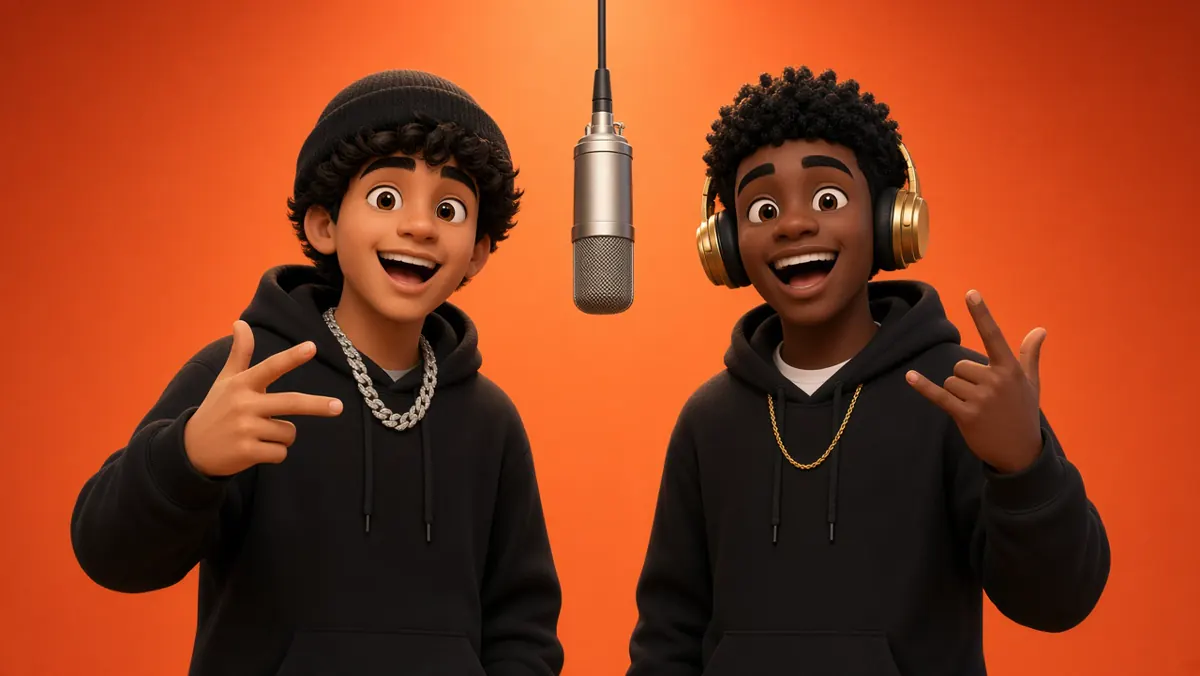
Start from the main studio: bring two portraits together, explore three stages, and choose a reference track or an original rap.
Explore this video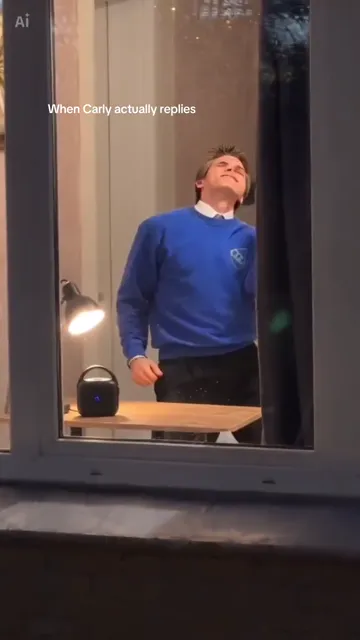
Dance beside a speaker behind a warmly lit window, then notice the camera and draw the curtain.
Explore this video
Become the featured adult in the party dance, with a bread bite, a camera stare and a turn back to the crowd.
Explore this video