
Example 1 · The grounds and milk spill
9:16 · 0:14
Turn two authorized photos into a shared kitchen disaster: one person handles the spoon, the other pours the coffee, and an ordinary cup becomes a very messy joke. Cast both roles below, watch the supplied examples, and make your own vertical Coffee Fail AI Video with Wan.
2 photos · Wan 3.0 · 5–15s · 9:16 · Cost shown before generation
A · Right · Spoon holder
A stands closest to the camera on the right, scooping grounds and handling the milk.
B · Left · Coffee-pot holder
B stands slightly behind on the left, holding the coffee pot and reacting to the spill.
Video length · maximum 15 seconds
Each length uses its own silent motion clip and separate audio. References stay below 15 seconds. Shorter clips can simplify or omit later reaction beats.
Two photos and your permission confirmation are required. Sign in to generate.
Supplied Coffee Fail reference · not a verified output of this website
The same rules apply to every scene on this page — checked against the generator itself, so you can decide before uploading anything.
| Item | What you get |
|---|---|
| Input photo | One photo of one person — JPG, PNG or WebP, up to 10 MB. A clear, front-facing face works best. |
| AI model | Wan 3.0 reference-to-video: your photo plus the supplied trend reference clip. |
| Output file | MP4 video, vertical 9:16. |
| Video length | 5, 8, 10, 12, 15 seconds — you pick before generating. |
| Resolution | 480p, 720p or 1080p (480p is the default). |
| Sign-up | Not needed to watch any example on this page; a free account is required to generate. |
| Cost | Credits, quoted before you generate — see the per-second price table below. Watching examples is free. |
| Watermark | None is added: the generation prompt explicitly excludes captions, logos and watermarks. |
| Generation time | Usually five minutes or more; longer when the queue is busy. A technical failure returns the credits automatically. |
| Face fidelity | Requested, not guaranteed — check the face, hands and body proportions in the result before sharing it. |
| Sound | Scene sound is generated; rights to the original trend track are not granted, so add a licensed sound when posting. |
Coffee Fail AI Video casts two adults in different kitchen-comedy roles. Use it for the prepared coffee-making mishap rather than a rap performance or a single-person dance. Correct input assignment helps express the intended roles, but does not guarantee every spill or gesture.
Check A/B identity, the spoon and pot, hands, liquid and the final action. A shorter clip may omit the payoff. If the job is still processing, keep its existing entry in My videos; submitting again creates a separate paid attempt.
Watch both supplied clips before choosing your photos. The joke depends on two distinct jobs at one counter, not a generic café backdrop. Compare the spoon, coffee pot, red mug and growing mess to understand the intended sequence. The right-hand preview shows the second example.
9:16 · 0:14
Two people share a wooden-cabinet kitchen. The right foreground character works with a spoon while the left character holds the pot. Coffee grounds land on the counter before the milk spreads around the mug. Use this example to judge the staging and prop continuity.
Cast my two photos9:16 · 0:15
The second supplied clip shows the same two roles with a different cast. Watch the small hand movements, where the mug stays, and how the performers react after the pour goes wrong. This is also the motion source used to prepare this page’s built-in references.
Cast my two photosThese are owner-supplied trend references, compressed for display and trimmed to less than 15 seconds. Their original captions, sound or marks may remain visible. They demonstrate the requested scene; they are not independently verified generations from this tool or a promise of identical results.
Sign in, then add a separate JPG, PNG or WebP for each adult, up to 10 MB per photo. Put the person you want in the right foreground into A. Put the person holding the pot on the left into B. Both uploads are required. Choose photos with clear, unobstructed faces and similar framing, and read the labels before proceeding. Switching the photos switches the intended roles.
Try this step in the generatorCast the two coffee makers
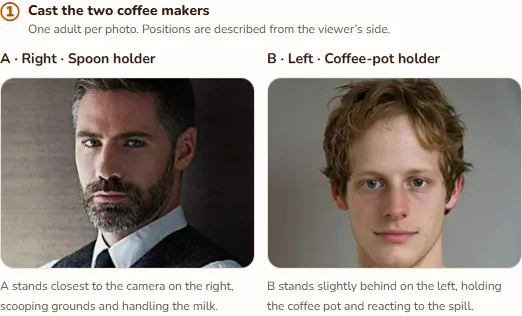 Enlarge interface screenshot
Wan is the only model on this page. Select 5, 8, 10, 12 or 15 seconds and a supported resolution; the default is 15 seconds at 480p in vertical 9:16. For a first attempt, the longest option gives the setup and reaction more room. Review the credit quote as you change settings. If reference audio is enabled, use it only when you have permission; otherwise leave it off for generated scene audio.
Try this step in the generatorChoose your video settings
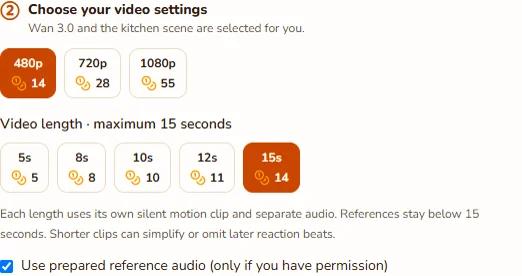 Enlarge interface screenshot
Confirm that you own or have permission to animate both photos, then press the generation button. Expect at least five minutes and sometimes longer when the queue is busy. The centered progress display is an estimate, not a frame-by-frame view of Wan’s actual renderer. When the MP4 appears, watch both faces, the pot, the mug and the liquid before downloading. Use the share options after reviewing the finished clip.
Try this step in the generatorConfirm and create
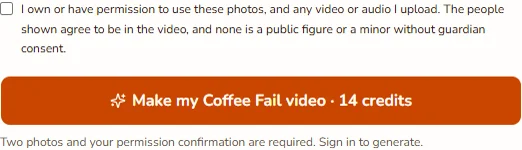 Enlarge interface screenshot
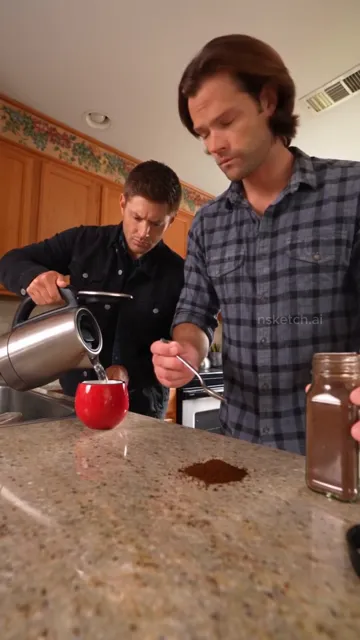
The story starts with a routine coffee-making task at a light kitchen counter. A is the active spoon-and-milk role at the right foreground; B is the pot-holding partner to the left. The important visual beats are the grounds missing their destination, milk pooling beside the red mug, and the pair reacting to the accident. The generated camera should stay with this shared scene so the viewer can follow who caused each part of the mess.
This page is designed for a two-adult comedy using a fixed kitchen reference. It does not offer a pet-barista mode, custom recipe, original rap lyrics or a different location. A short version may show only part of the sequence. Wan can change small details, clothing, timing or expressions, and a completed result may still need a different photo or a new paid attempt.
Use one person per image, facing the camera in even light. Avoid group portraits, hands across the face, heavy beauty filters and very small faces. Distinct hairstyles and visible clothing can help separate the two roles, although they cannot guarantee identity consistency. Keep both source images at a similar crop so one performer is not introduced with far less visual information than the other.
Play the output once with sound and once muted. Check that there is one red mug, that the pot stays with B, and that A’s spoon does not merge with a hand or bottle. Look for milk appearing from the container and spreading continuously rather than flashing into place. These small continuity checks matter more to the joke than a dramatic camera move or an elaborate caption.
Use 12 or 15 seconds when the build-up, spill and reaction all matter. A five-second clip is better treated as a compact variation, with fewer setup gestures and a shorter ending. If the final reaction is missing, first review your chosen duration and the whole preview before paying for another attempt. Add your caption after download, keeping it away from the hands and mug so it does not hide the action.
The table uses the same current Wan cost calculation as the generator and server, including the prepared motion reference. Choose a length and resolution above to see the total before starting. This is a paid generation flow rather than a free face-swap preview; signing in and selecting two photos does not itself create a video.
| Lengths | 480p | 720p | 1080p |
|---|---|---|---|
| 5s | 5 | 10 | 19 |
| 8s | 8 | 15 | 30 |
| 10s | 10 | 19 | 37 |
| 12s | 11 | 22 | 44 |
| 15s | 14 | 28 | 55 |
Credits are deducted when a task starts. A confirmed failed or canceled generation returns its charged credits through the existing task ledger; a completed clip with imperfect hands, identity or timing does not automatically qualify as a technical failure. Another generation uses credits again. Credit-pack prices, expiry and purchase refund rules are explained on the pricing page. Download useful results for safekeeping.
See credit packs and purchase rulesIt is an AI kitchen-comedy clip in which two characters try to make coffee and create a mess with grounds and milk. This page lets you cast two adult photos into the spoon-holder and coffee-pot roles. The attached examples define the intended human version of the scene; it is not a general coffee advert maker.
Two are required: A for the right foreground spoon holder and B for the left coffee-pot holder. Upload one clear adult per file. A group photo does not replace two separate inputs. The letters describe roles, and all left/right directions use the viewer’s perspective rather than the subjects’ perspective.
Yes. Output lengths are 5, 8, 10, 12 and 15 seconds, with 15 seconds selected initially. The separate reference video is trimmed to a maximum of 14.9 seconds and reference audio is slightly shorter to allow encoder padding. A 15-second output is a different parameter from the length of the uploaded reference.
This page uses Wan 3.0 reference-to-video only, with vertical 9:16 MP4 output and a choice of 480p, 720p or 1080p. You do not need to write a prompt, upload a motion video or configure a second model. The prepared scene references are selected by the server for your chosen length.
No exact-match guarantee is offered. The prompt assigns each image a stable role, but faces, clothes, hands, liquids and action timing can vary. Short clips may omit part of the story. The supplied previews are trend references, not measured success-rate evidence or verified input-to-output examples from this page.
No. Prepared reference audio is optional when the site enables it, and model-generated sound may differ from that track. Your permission to use a photo does not grant music rights. For public or commercial sharing, use sound you are licensed to use or select a permitted track inside the destination platform after downloading.
Plan for at least five minutes; queue time and the model can make it longer. The percentage is estimated. A confirmed technical failure or cancellation returns the task’s charged credits. A moderation rejection can involve the photo, prompt, video or audio and does not by itself prove a duration error. Contact support with the task ID if the result stays unresolved.
Yes, after reviewing and downloading it. The share controls can hand a video file to supported device share sheets; otherwise they help you download the MP4 and open the platform. You still choose the attachment, caption, sound and final publish action. The site does not automatically post to your social accounts.
Treat the scene as fictional AI comedy and disclose that when you share it. Use consenting adults, avoid misleading depictions of real incidents, and review the result before publication. Uploaded photos and completed tasks use the site’s existing private storage and owner-access rules; this page does not publish your uploads into its example gallery. Contact support through the footer for account or task issues. The footer also contains the current privacy and service terms.
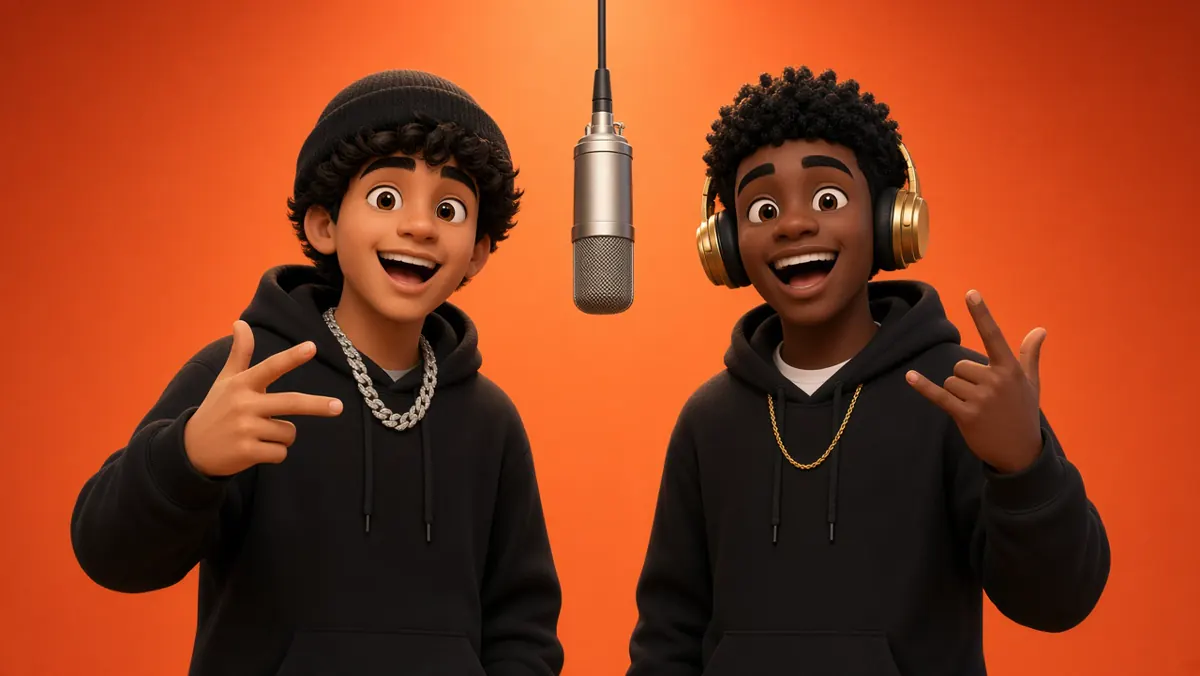
Start from the main studio: bring two portraits together, explore three stages, and choose a reference track or an original rap.
Explore this video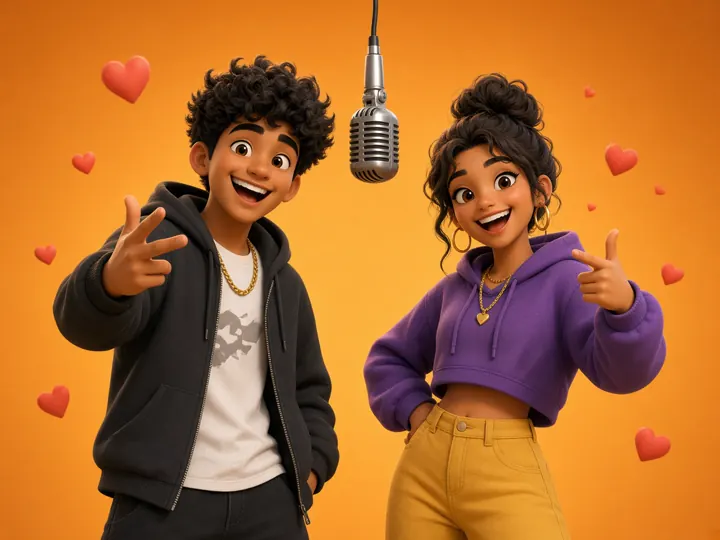
Make a performance for two friends or a couple. Choose who leads, or switch to an original rap and trade lines.
Explore this video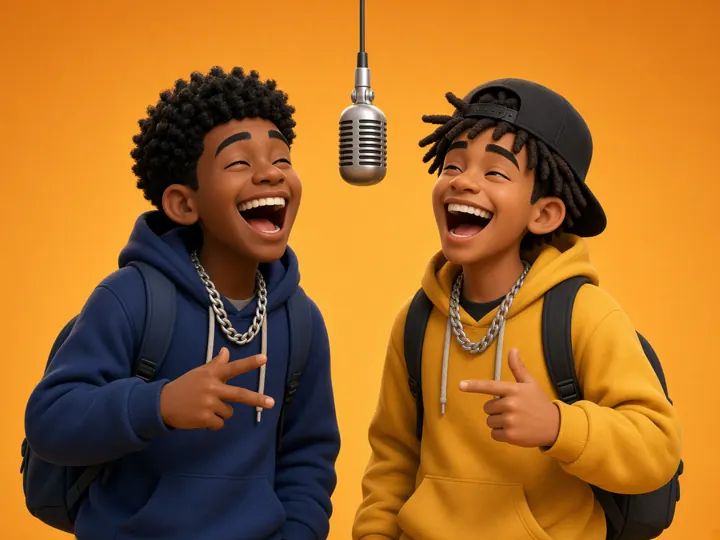
Recreate the orange-booth routine with two portraits, one hanging microphone, and a lead-and-hype performance.
Explore this video