Example 1
16:9 · 0:15
Turn one portrait into the Burning Bridges AI party scene: a warm chandelier room, a silver cup, the gestures, and a crowd reacting around you. Choose your photo and quality to make a 15-second version.
One portrait · party lead · 15 seconds · 16:9
The dedicated party reference supplies the cup gestures, crowd and camera movement. Your portrait supplies the foreground lead. Review the result for identity and hand changes.
One portrait and permission required. Review the credit total before generating.
Supplied Burning Bridges AI example · 15 seconds · your own result replaces this preview after generation
Burning Bridges AI is the one-person chandelier-party routine with a cup and gestures. It suits a short party-style transformation, not a custom multi-person scene or an editable music-video timeline. You can inspect supplied examples before deciding whether this fixed routine fits.
Review identity, the cup rim, fingers and guests around the lead. Objects can cross the face or change shape. A finished clip with these visual artifacts is different from a failed task; consult the existing terms before requesting a payment refund.
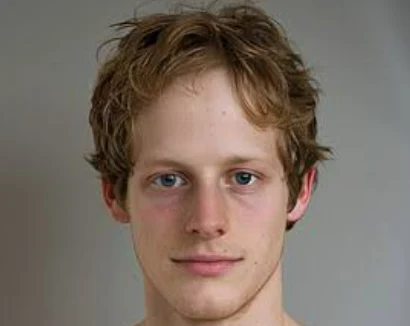
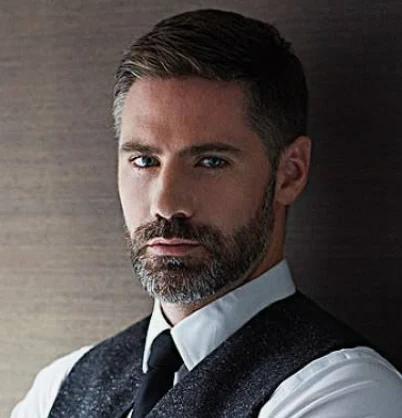
Watch two supplied AI-generated party performances with their matching input portraits. The cup, gestures and crowd stay in a wide frame so you can compare the lead throughout.
User-supplied generated clips with their supplied matching portraits. The original website, model and settings have not been independently verified. These examples illustrate the requested scene; individual results vary.
One portrait · party lead · 15 seconds · 16:9
Burning Bridges AI is a photo-to-video template for the familiar crowded-party performance. One person commands the foreground, holding a silver cup and responding to a room full of guests as the camera moves around them. Here the portrait you upload provides that lead person. The prepared party reference guides the movements and setting, rather than asking you to write a scene from scratch. You can start directly in the generator above. The preview and two supplied generated examples show the party format alongside the matching input portraits. Concept artwork and motion-reference stills explain the scene separately; none of these is a free personalized render.
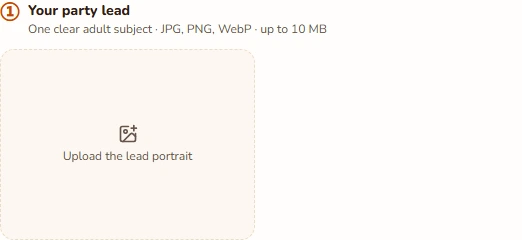
Add one JPG, PNG, or WebP portrait up to 10 MB. Use one clear adult subject with a visible face and some upper body. The photo does not need a cup, party background, or raised hand: those actions and surroundings come from the template.
Try this step in the generatorUpload your photo references
 Enlarge interface screenshot
The page uses Wan 3.0 with a fixed 15-second, 16:9 setup. Choose 480p, 720p, or 1080p and check the updated credit total. When the built-in reference sound is available, you can keep it selected or turn it off before generating.
Try this step in the generatorChoose the video settings
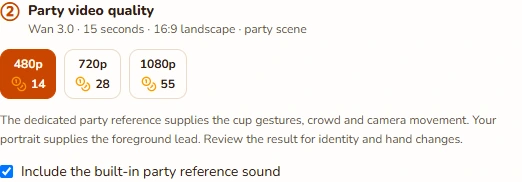 Enlarge interface screenshot
Sign in, confirm permission to use your portrait, and submit with sufficient credits. Follow progress in the preview. After a successful job, watch the complete video with sound, inspect the face and cup, and download the MP4. My videos lets you return to the saved job.
Try this step in the generatorConfirm and create
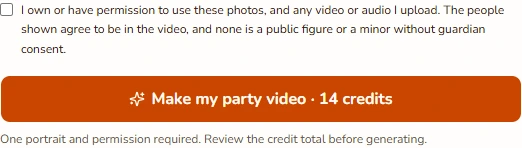 Enlarge interface screenshot
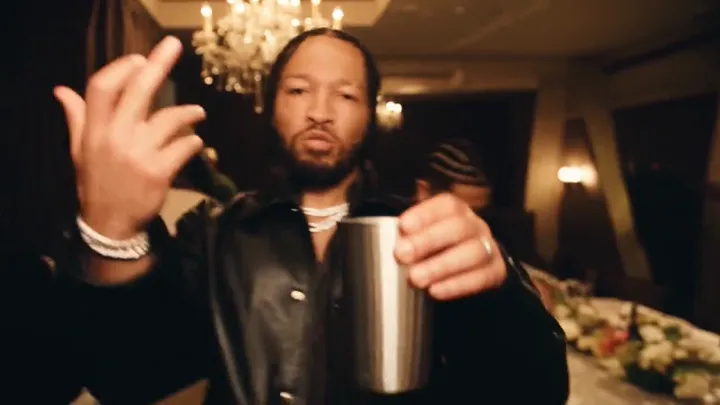
Still from the supplied party motion reference · not a generated result
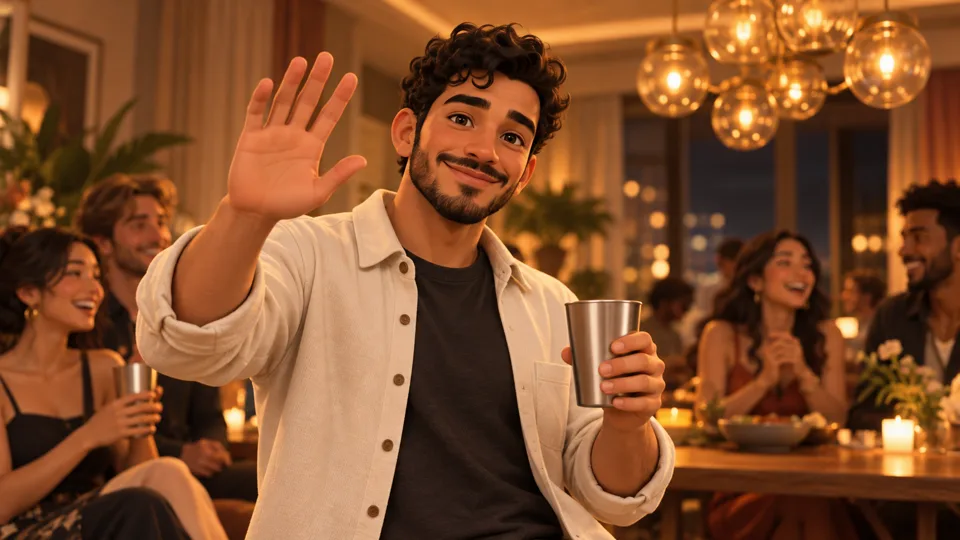
A silver tumbler and a clear foreground face establish who is leading the party. The camera is close enough for facial details and hand gestures to matter. This image is a still from the supplied motion reference, showing the intended composition. Your result should cast the person from your own portrait in that foreground role.
Back to this generator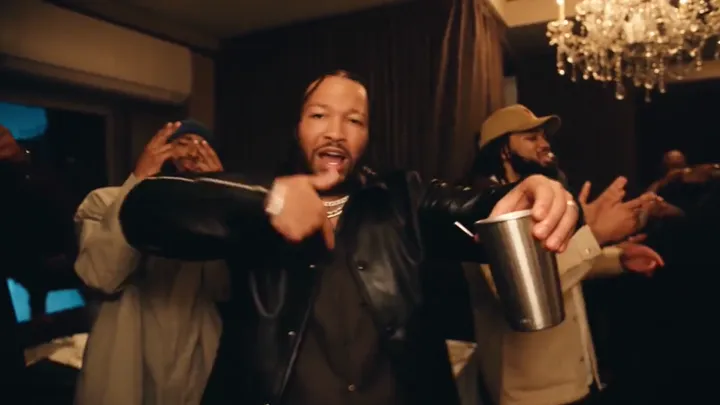
Still from the supplied party motion reference · not a generated result
The performance is more than a static party portrait. Pointing, scanning the room, and reacting to nearby guests create its rhythm. A portrait with visible shoulders gives the model more useful clothing and body context. It does not need to show the pose in this reference still; the movement is guided separately.
Back to this generator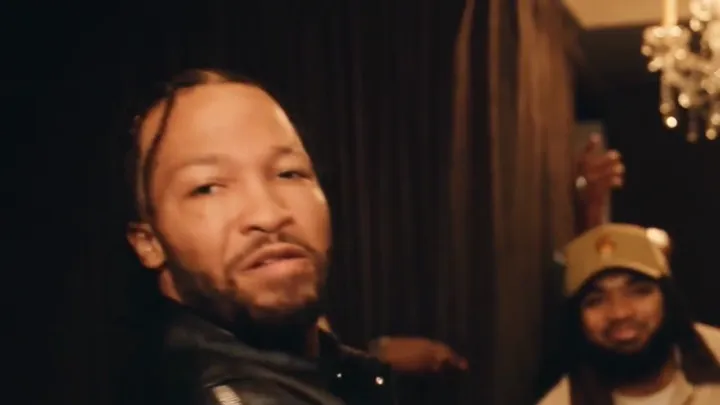
Still from the supplied party motion reference · not a generated result
Chandeliers, warm curtains, a table, and a small crowd frame the lead. A birthday arrival, a playful celebration, or a group-chat joke can use the same setup with a different authorized portrait. These are creative uses of one template, not different generated examples or a feature for casting every guest from a group photo.
Back to this generatorThe template separates the person you are casting from the movement you want. Your image supplies the lead’s face, hair, and clothing. A dedicated party clip supplies the timing, cup gestures, moving camera, and room layout. The model is asked to replace the original foreground performer completely and keep other guests anonymous. It can still misread a gesture or transfer an unwanted detail, so check the result throughout. This is a new AI rendering, not an exact face overlay or a promise that each frame will match the reference. No orange rap booth or window scene is used for this template.
Back to this generatorChoose a sharp, evenly lit image with the face unobstructed. Some shoulders or upper body help establish the clothing the model should keep. Avoid dark sunglasses, heavy face filters, extreme side angles, and a small face inside a group picture. A neutral expression is enough; the model supplies the performance. If the input is only a tightly cropped head, the rest of the body and outfit must be inferred. Start with a clearer photo before paying for a higher-resolution attempt, since extra output pixels cannot restore information absent from the input.
Only one photo is used for the central performer. The surrounding guests are part of the requested party environment; this page does not accept additional images to assign each guest an identity. Look for the lead staying recognizable as the camera moves, especially when hands pass in front of the face. Check that the cup stays coherent and that the original reference performer does not reappear. The scene is meant to be a playful staged performance using a permitted likeness. It should not be presented as evidence that somebody attended a real event.
The built-in audio choice depends on the site’s reference-sound setting. When offered and selected, a prepared track accompanies the motion reference. Turning it off asks for natural party ambience without a particular song. AI can change the sound or its alignment, so listen to the finished video instead of assuming the reference and result will sound identical. The generator does not grant rights to publish a recording. If you want another soundtrack, add music you are authorized to use in your own editor or the platform where you share the downloaded MP4.
The generator shows a quote for the current settings, and the server recalculates it before submitting a job. Credit packs are one-time purchases. Watching a reference clip or choosing settings is not a personalized free render. Credits are deducted when a generation starts; a technical failure returns them automatically. A successful but imperfect result is charged. Read the pricing page for current packs and the terms for purchase rules.
One-time credit packs. A 15-second Burning Bridges AI video at 480p uses 14 credits. Packs never expire.
Single
$9.99
one-time
$13.99 / 15s at 480p
Duo Pack
$29
one-time
$8.12 / 15s at 480p
Party Pack
$59
one-time
$4.13 / 15s at 480p
Crew Pack
$99
one-time
$3.96 / 15s at 480p
Studio Pack
$199
one-time
$3.48 / 15s at 480p
It turns one portrait into the lead of a short chandelier-party scene. The prepared motion guides the cup, gestures, guests, and camera while your photo provides the central person. This is an independent photo-to-video template, not the similarly named general-purpose motion-transfer brand or an official artist product.
Upload one clear portrait, choose output quality, review the optional sound and credit total, and confirm your input permissions. The scene and motion are already prepared. You do not need to film yourself dancing or write a prompt. After signing in, submit and wait for your result in the preview.
Prepare a separate crop of the one person who should lead, then upload that image. The tool accepts one portrait for this template and does not assign identities to the background guests. Use a face looking toward the camera with some upper body visible, rather than a tiny face in a crowded group shot.
This version follows a short prepared excerpt of the supplied party reference and keeps its wider framing. A 15-second result gives the lead, cup, and crowd room to move. The full source clip and custom lengths are not offered here. You can select 480p, 720p, or 1080p, but not another model or aspect ratio.
Check the built-in audio option in the generator. A reference track is only supplied when it is available and selected; otherwise the prompt asks for party ambience. The model can change timing or sound. This tool does not provide a music-publication license, and it is not affiliated with any original artist or label.
You can view the page, reference stills, and settings without generating. A personalized video uses the credits shown on the button. Higher quality changes that quote, and the server checks it again before submission. One-time credit packs are available; a subscription is not required. The example clips are not a free personalized render.
AI can alter identity details, clothing, gestures, and props even when generation completes. Review the entire result and try a clearer portrait if needed. Technical failures return their credits automatically. A completed but visually imperfect result is still charged, and another generation is a new paid attempt.
The initial preview plays a supplied AI-generated example. A successful generation replaces it with your own playable video and an MP4 download. You can also revisit the job in My videos using the same account. Check the face, crowd, gestures, and soundtrack before sharing, and make sure you have permission for the likeness and any published music.
Inputs and completed videos are stored privately; they are not automatically added to a public gallery. The initial preview and external posts are references, while scenario illustrations describe ideas. AI may change faces, hands, timing, or sound. Use only photos, footage, and recordings you have permission to use. This independent tool is not affiliated with TikTok, CapCut, the original performers, or template creators. Download a local copy of a result you want to keep, and review it before publishing.
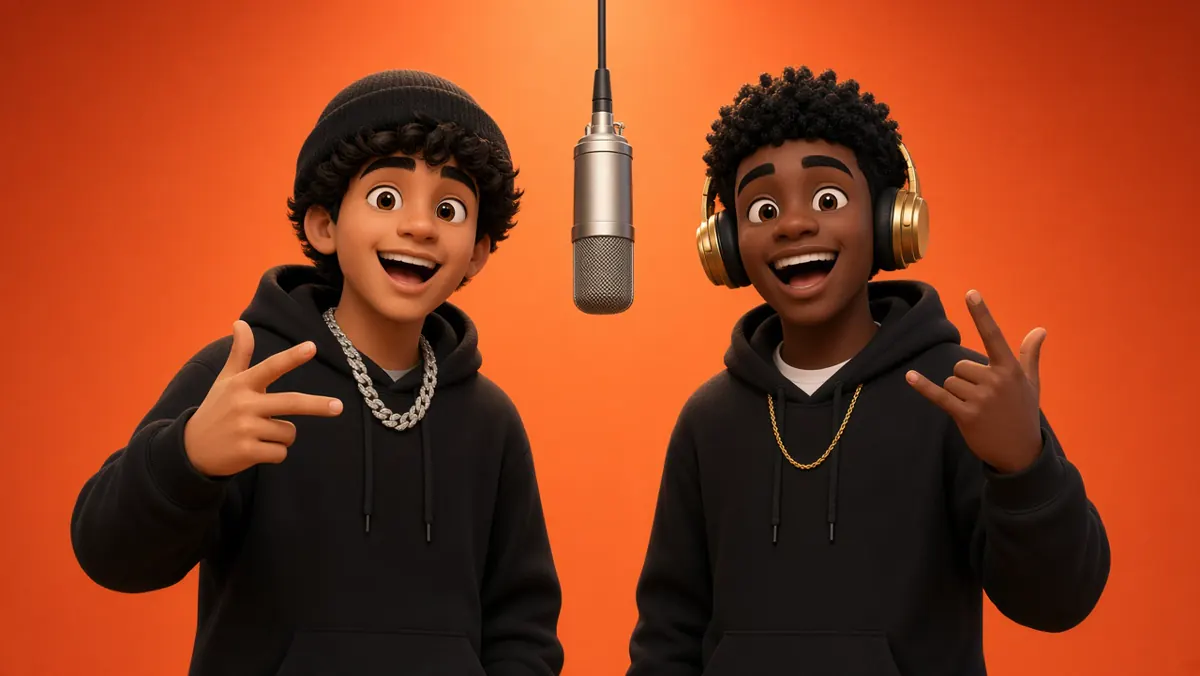
Start from the main studio: bring two portraits together, explore three stages, and choose a reference track or an original rap.
Explore this video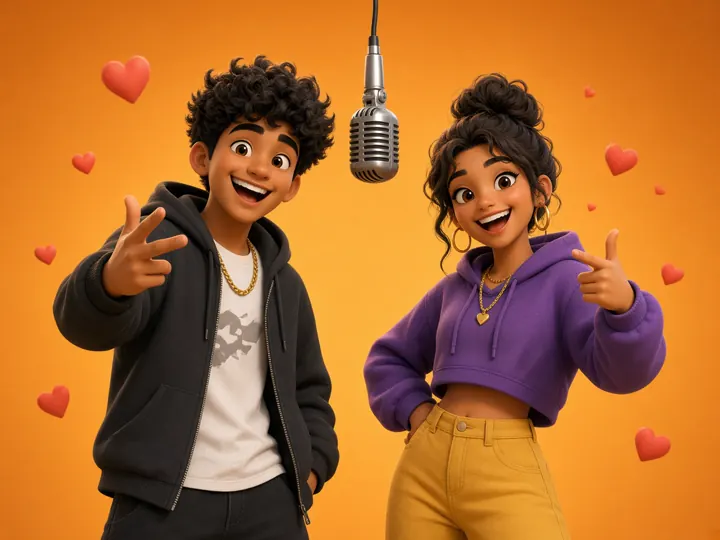
Make a performance for two friends or a couple. Choose who leads, or switch to an original rap and trade lines.
Explore this video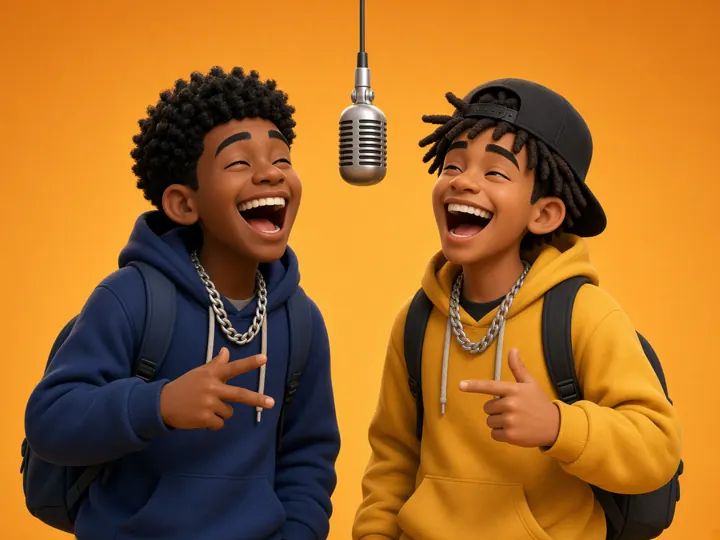
Recreate the orange-booth routine with two portraits, one hanging microphone, and a lead-and-hype performance.
Explore this video