
Christmas AI Dance Video Ideas: 25 Ideas for 2026
25 Christmas AI dance video ideas for two photos: family pairings, couples, pets, office bits and captions — plus how to turn any idea into a video in minutes.
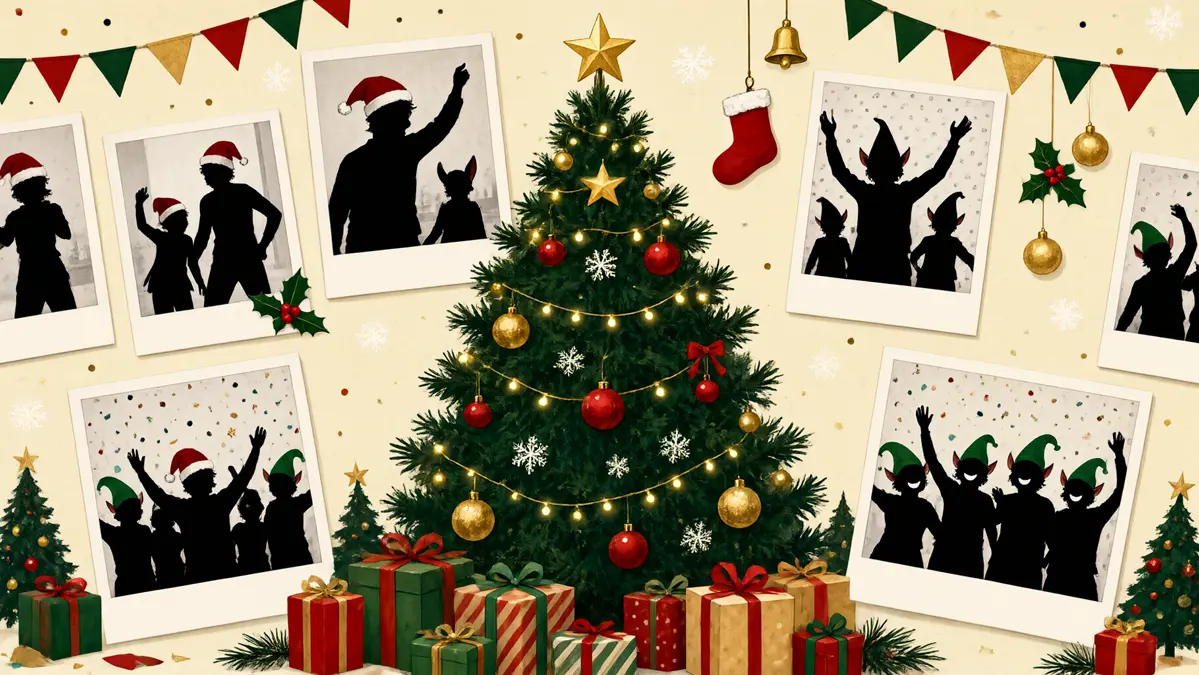
Yes — one Christmas AI dance video can carry your whole holiday feed, but with two photos and a generator you can make a different pairing every week of December. The format: upload two photos, and the Christmas AI Dance generator puts your two people in front of a decorated tree — one in a Santa hat, one in an elf hat — performing a synchronized holiday duet as a 5–10 second vertical MP4.
Below are 25 ideas grouped by audience, each with a caption direction. Pick a pairing, grab two photos, and the step-by-step guide walks you through the rest.
Family pairings
- Grandparents as the duo. The classic. Caption: "60 years of marriage, 1 TikTok account." Gentle motion suits older dancers, and the wholesome contrast carries.
- Parent + adult child. Reversed for comedy: the kid as Santa (authority), the parent as elf (chaos). "Role reversal complete."
- Two siblings. Whoever lost the most arguments this year goes elf. "Peace treaty, December edition."
- Three generations, two slots. Rotate: grandma+mom week one, mom+kid week two. Series content from one scene.
- The family baby (held by a parent). Photo A is the parent, Photo B the baby — "the newest elf in training."
- Twin adults. Matching energy, contrasting hats. "We stopped agreeing on hats in 1998."
Couple pairings
- First holiday season together. "Our first Christmas card, AI edition." The sincerity works — the duet is genuinely sweet.
- Long-distance couple. The format assembles both of you even when you can't be in the same country. "Same tree, different time zones."
- The couple that argues over decorations. Elf hat to whoever actually untangles the lights.
- Anniversary in December. "X years of dancing badly together." Numbers in captions reliably perform.
- Newlyweds' first December. Formal wedding photo as Photo A works beautifully — the AI adds the hat over the formalwear.
Friend group rotations
- The group chat's two loudest. Everyone else votes in the comments — engagement bait that's actually fun.
- Roommates. Elf to whoever controls the thermostat. "The thermostat negotiations, visualized."
- Best friends since childhood. Two old photos — the trend loves a then-and-now: childhood photos as the base makes it a nostalgia bomb.
- The friend who never dances + the friend who always does. The mismatch is the content; assign hats accordingly.
Pet-adjacent pairings
- Two humans dancing for the pets. Caption from the pet's POV: "They did this in front of me. I have seen things."
- Human + pet photo as the second "dancer". Results vary by pet photo — the generator animates people; a cat photo becomes a curiosity rather than a dancer. Test with the cheapest settings first.
- Dog owner + dog's favorite human. "His favorite person gets the Santa hat. I get the elf hat. I feed him daily."
Office and community bits
- Manager + intern. With both permissions. Elf hat assignment is the joke — "the org chart, December edition."
- The two people who decorate the office. Internal-team shares love these.
- Teacher + teacher. "What the students think happens in the staff room."
- Your barista + you. Regular-customer content is weirdly beloved. "My entire personality is this coffee shop."
Solo-genius twists
- You, twice. Two photos of yourself — Santa you judges elf you. "Me in public vs me in December."
- You + your childhood self. Adult photo + a childhood photo. "She waited 30 years for the elf hat."
- You + your hero (with permission limits). Not a celebrity — that's blocked by design — but your coach, your teacher, the friend who got you through the year. The sincere dedication post.
Turning an idea into a video
The workflow for every idea above is identical (full detail in the how-to guide):
- Pick two photos — clear faces, one person per photo, permission secured.
- Open the Christmas AI Dance page, watch the free examples, upload both photos.
- Choose 5, 8 or 10 seconds and a resolution; the credit quote shows before you generate.
- After about five minutes, review both faces and hats, download the watermark-free MP4, add a licensed holiday track, and post.
Costs are pay-per-video with up-front quotes — one-time credit packs, no subscription (pricing). Each idea above is therefore a couple of credits, not an app subscription.
Timing your posts
Post the first pairing mid-to-late November (planners are watching), your best pairing in the first half of December (peak volume), and a nostalgic or family-focused one between December 20–25 (peak emotion). Series beats singles: the rotation formats (ideas 4, 12, 14) give you a reason to post every week of the season.
FAQ
Can I make these with one photo?
The Christmas duet needs two. Single-photo holiday options: put one person in a festive scene via the street party or fancy cafe scenes, or wait for seasonal single-photo scenes.
Can I choose the exact dance moves?
The choreography comes from the prepared holiday reference. You control the cast, the length and the resolution — the routine itself is the scene's signature, and it's the same synchronized duet every pairing performs, which is exactly what makes the rotating-cast ideas above feel like a series.
Do the ideas work for other holidays?
The structure (two photos, festive hats, synchronized duet) is Christmas-specific here, but the pairing logic itself — mismatch, rotation, series, nostalgia casting — works for any celebration using other photo-based scene tools on the studio.
Where do I start?
Pick idea #1, grab two photos, and open the Christmas AI Dance generator. New to AI trend videos in general? The general photo-to-video guide covers tools, costs and limits across the whole category.