
Hotel Lobby AI Prompt: Examples for a Two-Person Video
Try a Hotel Lobby AI prompt for a two-person orange booth video. Copy adaptable examples, assign photo positions, and troubleshoot face drift.
AI-generated conceptual illustration; not a generated-video result.
A useful Hotel Lobby AI prompt describes who appears on each side, the orange booth, a hanging microphone, the action and the camera. It also tells a general-purpose model which reference image belongs to each person. The examples below are starting points for tools that accept custom prompts; they are not the hidden prompt used by this site, and no wording can guarantee identical faces or motion.
If you prefer a preset, open the Hotel Lobby AI generator. Its stage and motion setup are already supplied: upload two separate photos, review the sound and settings, and check the credit quote. The site's short topic field is for an original rap direction; it is not a general-purpose field for pasting the long prompts below.
Build the prompt in five parts
- Cast: identify the person in each reference and place one on the left and one on the right.
- Setting: describe a simple orange recording booth with a single suspended microphone.
- Action: say who leads, who reacts and how much movement you want.
- Camera: specify a steady medium or waist-up shot and the frame shape.
- Boundaries: ask the model to preserve the identities and avoid adding extra people; inspect the result because these are instructions, not guarantees.
Use whatever reference syntax the other tool documents. A placeholder such as [photo 1] is an editorial label here, not a promise that every model understands square brackets. Some tools take a motion video as a separate input; a text prompt alone does not reproduce a reference video's exact choreography or audio.
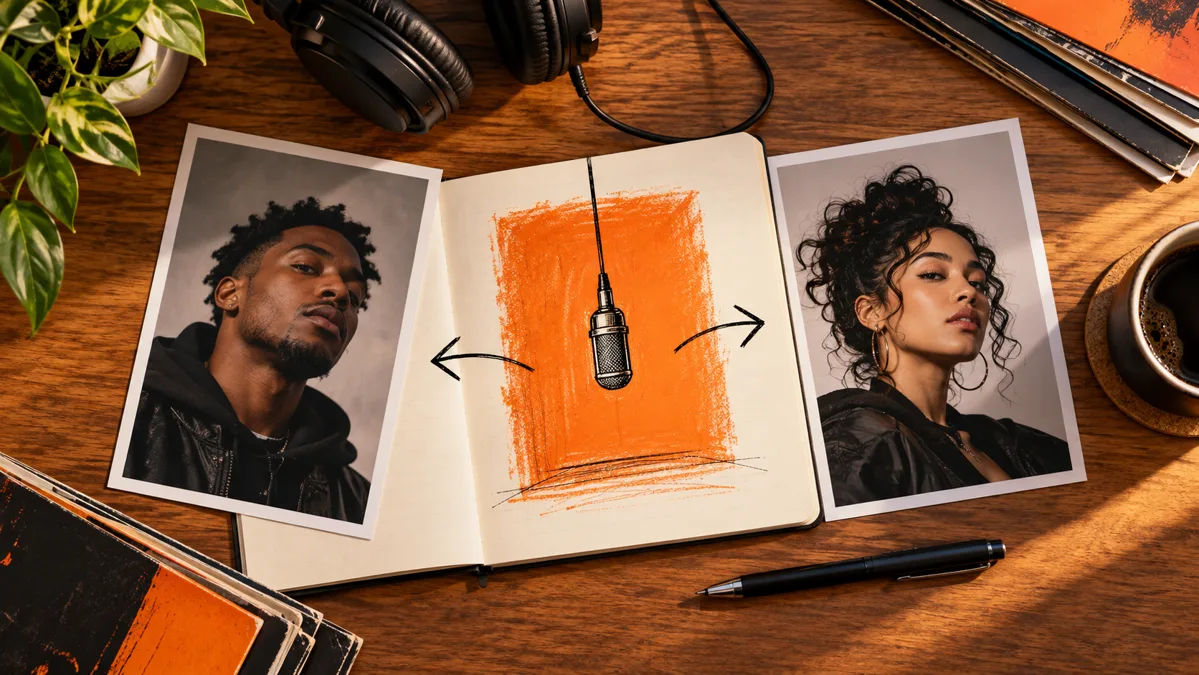
AI-generated illustration of planning a prompt and assigning the two references.
Example 1: a simple orange-booth duo
Use the person in [photo 1] as the performer on the left and the person in [photo 2] as the performer on the right. Show them waist-up in a matte orange studio with one microphone hanging between them. The left performer leads a short rap while the right performer reacts and nods to the beat. Keep the camera steady and keep each person on their own side. Preserve their recognizable faces and clothing as closely as the model allows. Do not add other performers.
This prompt makes the assignment explicit and leaves the scene simple. For a vertical social clip, add “vertical 9:16 frame” if the tool accepts framing instructions, and select the same ratio in its settings. A prompt is not a license to use another artist's voice, recording or likeness.
Example 2: friends and a playful topic
Show the two people from [photo 1] and [photo 2] as friends on an orange recording stage, left and right respectively. They deliver a playful rap about competing for the last slice of pizza. One person leads and the other answers with a grin. Keep a single hanging microphone between them, use a steady medium shot and retain the people’s distinct appearances. No additional cast.
Keep the topic specific and light. If the tool generates its own words or sound, listen to the output before sharing. In a reference-track workflow, adding a topic cannot change a song that has already been recorded.
Example 3: a birthday greeting
Place [photo 1] on the left and [photo 2] on the right in an orange studio with one suspended microphone. Make the performance a friendly birthday greeting for an adult friend, with gentle head nods and a restrained celebratory mood. Use a fixed waist-up frame. Keep the two people distinct and avoid extra characters or text in the scene.
You can replace the birthday idea with a shared hobby or a harmless inside joke. Avoid including private information or a claim that the subject actually recorded the performance. Ask the people involved before creating or posting it.
Example 4: motion reference supplied separately
Use [photo 1] for the left performer and [photo 2] for the right performer. Follow the provided motion reference for the overall timing and camera composition while keeping the two reference identities separate. Place them in an orange booth with one hanging microphone. Avoid adding people or changing the intended left/right assignment.
Only use this version in a tool that actually accepts a reference video, and use a clip you have permission to upload. A motion reference can guide timing but the model may miss gestures, alter a hand, or assign an action unexpectedly. The original audio is a separate rights and settings question.
Troubleshoot the prompt and the inputs
For a controlled revision, keep the same inputs and change one part at a time. If left and right are swapped, revise the image-to-role assignment first. If identities are correct but hands distort, keep the photos and try simpler movement. If the room is wrong, simplify the scene description before changing both portraits. These are troubleshooting suggestions, not tested outcomes; each tool interprets references differently.
People swap or blend: simplify the cast description and bind each photo to one position using your tool's documented syntax. Remove competing descriptions of hair or facial features that might contradict the image. Then review the result instead of assuming a phrase locked the identities.
The set is cluttered: remove unnecessary props and request one microphone, one room and no extra cast. Some models will still introduce objects.
Faces drift: start with clearer source portraits, especially where eyes or mouths are covered. Read our photo guide before changing a dozen prompt words. If the face changes only when a hand crosses it, the motion itself may be the difficult part.
The song is missing: a visual description does not provide a music recording. Check whether your chosen model creates original sound, accepts licensed audio or requires editing later. Platforms can limit how a recording is used or shared.
Frequently asked questions
What is the best Hotel Lobby AI prompt?
There is no universally best prompt. Start with the two image assignments, a simple orange booth, the microphone, a small amount of action and a stable camera, then adapt the syntax to your model.
Can I use one prompt with two different photographs?
Yes, if the tool supports two reference images. Identify which image is each performer and specify their positions. The model may still confuse them, so review the output.
Do I need a reference video?
No for a general text-guided interpretation. A compatible reference-to-video tool can use a separate motion clip for guidance, but a prompt by itself cannot supply that clip or reproduce every movement.
Will the prompt add the original song?
No. Text describing a look does not provide a recording or grant music rights. Check the tool's audio settings and use audio you have permission to publish.
Can I make the look without writing a prompt?
Yes. The preset Hotel Lobby page supplies the scene and motion setup. You still need to provide your photos, review the chosen sound and settings, and confirm the quote.