
How to Do the Hotel Lobby AI Trend With Two Photos
Learn how to do the Hotel Lobby AI trend using two photos, an orange booth and a motion reference, then review your video and music rights.
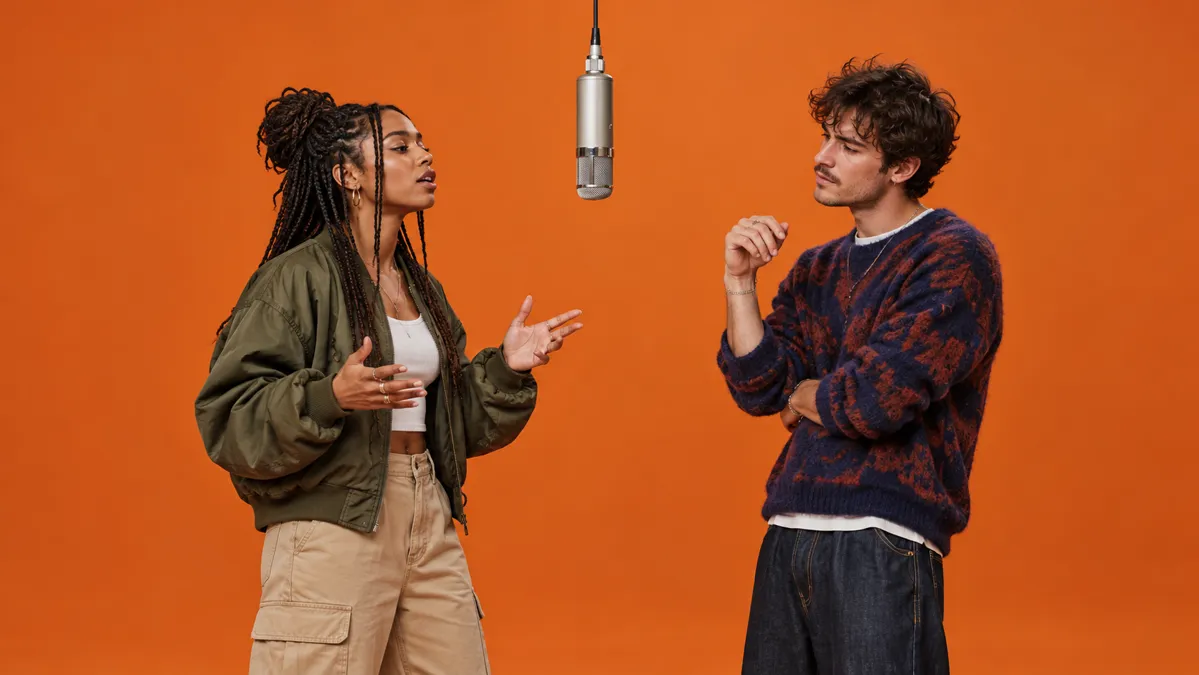
AI-generated conceptual illustration; not a generated-video result.
To try the Hotel Lobby AI trend, prepare a separate portrait for each performer, choose an orange-booth setup, check the motion and sound options, and generate a short video. The recognizable visual idea is a pair performing under one hanging microphone against an orange background. Your result is a new AI-generated interpretation, not the original performance or a guarantee that every move will match it.
Use the Hotel Lobby AI studio to start with the preset, or read the general two-photo tutorial for the full editor workflow. This article focuses on choosing a way to participate, adapting the look and checking the result before sharing.
What is the Hotel Lobby AI trend?
The trend puts new subjects into a two-person orange-booth performance inspired by Quavo and Takeoff's “Hotel Lobby” performance for A COLORS SHOW. People have used the format for friends, couples and other playful pairings. The AI version is a synthetic video: it does not show that the people in the input photos actually performed or attended a recording.
The original performance is useful context for the visual idea, but seeing it does not give you permission to reuse the recording, likenesses or video. Our generator is independent and is not affiliated with the artists, COLORS, TikTok or CapCut.
Choose a route that fits what you have
An AI generator creates a new performance from input pictures. This is useful when you have portraits but have not filmed a duet. You trade direct control for convenience: the model may change faces, timing or hands, and a completed attempt can be imperfect.
An editing template works with clips or photos you already have. It can be a better choice when you want to keep a real performance, but its availability, features and music permissions depend on the editing platform. A third option is to film your own scene with consenting performers, a backdrop and a microphone prop. That gives you direct control over the footage but requires a shoot and editing.
These are different workflows. No choice automatically grants rights to a commercial soundtrack. Use music you are licensed to publish, or check a social platform's current sound-library rules for your intended use.
Prepare the two people
Pick one JPG, PNG or WebP image for each person, each no larger than 10 MB. A clear face, even light and visible shoulders are useful starting points. The people can be photographed in different places; matching backgrounds are not required. If you have one group image, crop two individual images before upload. The current studio does not automatically split the people.
Get each person's permission, including for the audience you intend to reach. A private birthday message and a public post can feel very different to the person pictured. See best photos for AI rap videos for a practical checklist.
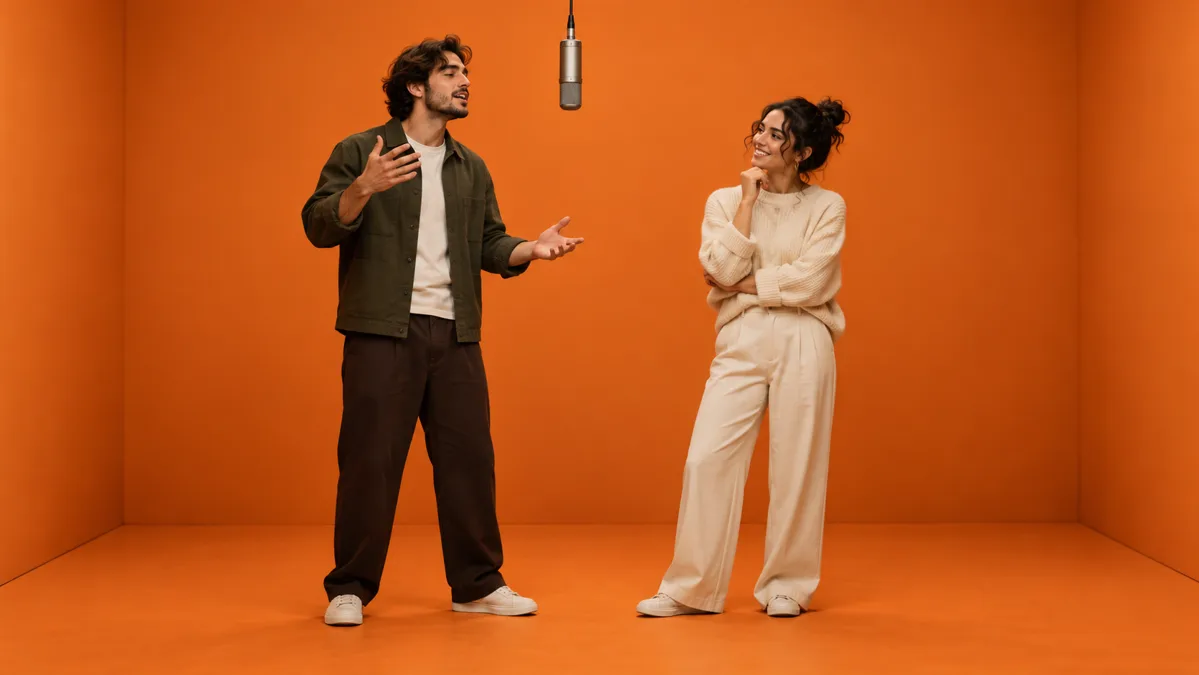
AI-generated illustration of the orange-booth concept; not an actual video result.
Make the orange-booth version
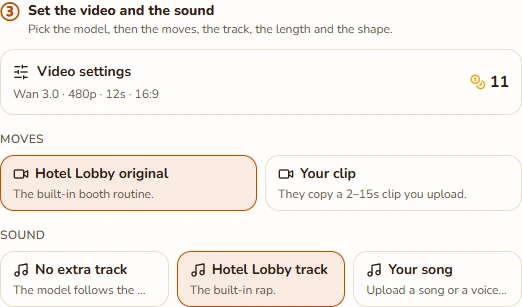
Website interface example: select the image to open the Hotel Lobby generator. The pictured settings and credit amount may differ from the current quote.
Before submitting, distinguish three controls: Stage changes the setting, Moves selects the built-in routine or your own clip, and Sound controls the separate audio selection. A visual resemblance does not grant rights to publish a commercial recording.
- Open the Hotel Lobby AI page and watch the reference to understand the intended staging.
- Add the first performer to the left slot and the second to the right. Confirm who is leading and who is supporting before submitting.
- Keep Orange Stage selected for the familiar booth look. If your aim is a different scene, choose another stage on the main generator.
- Review the video length, frame, model and sound. The interface shows which options are currently available; a built-in reference track is only available when enabled.
- Sign in, confirm that you have the required permissions, check the displayed credit quote and create the video.
For a vertical feed, choose 9:16 and inspect the crop. The default configuration can change, so check the controls rather than relying on a tutorial screenshot or a fixed price. When a custom motion clip is offered, it is a separate input and can affect cost.
Decide what to do with sound
The reference-style mode follows the selected reference inputs. The original AI rap mode aims to generate a new performance from a short topic, but the site warns that Seedance rejects realistic human faces. Use Wan for real-person portraits and check the live model guidance. These are different choices: entering a birthday topic does not rewrite a pre-existing recording. A built-in audio option may be disabled, and its availability is not proof you may publish a commercial song wherever you want.
If you plan to edit afterward, check what audio is actually present in the downloaded file. A silent or unsuitable result may require a separate editing workflow with permitted material. Platform music libraries can have account, territory and commercial-use restrictions; inspect the terms that apply to your own post.
Review the clip as a viewer
Watch both subjects throughout the clip. Are the intended people recognizable? Did the left and right roles remain sensible? Did a hand obscure a face, or did a microphone or garment change? Listen to the audio and make sure it is suitable for the recipient. A model can miss a gesture or shift an identity, even with clear inputs.
If you retry, adjust one thing at a time. A clearer portrait can address missing visual detail; it may not repair a specific hand movement. A technical failure returns credits automatically, but a completed render with visual flaws is still a completed paid job. Check the quote before another attempt.
Share responsibly
Download the MP4 from the finished preview or revisit the job in My videos. Before posting, check the platform's current rules for labeling synthetic media and using sound. A caption can explain that this is an AI-made scene. Do not present it as an authentic recording or a real endorsement by the people pictured.
Frequently asked questions
What is the Hotel Lobby AI trend?
It is a creative format that places new subjects in a two-person orange-booth performance inspired by the original “Hotel Lobby” studio look. AI versions generate a new scene from source material.
Can I make the trend without CapCut?
Yes. A browser-based generator can create a new clip from two portraits. CapCut and similar editors are separate tools for editing media; their templates and policies may change.
Can I use my own song?
The studio may offer an upload for permitted audio in the reference-track workflow. Check the live controls and the permissions for your file. The original AI rap mode is a different sound workflow.
Why does my version look different from the original?
The model interprets photographs, scene instructions and any motion reference. It can alter lighting, faces, movement or timing and does not promise a frame-for-frame recreation.
Is the reference preview my free personalized video?
No. The reference preview shows the intended style or motion. Creating a personalized video uses the credits shown in the current quote.
Related paths
Open the Hotel Lobby AI generator to review its current settings. For a broader two-photo walkthrough, see how to make an AI rap video. For a different one-photo party scene, read the Burning Bridges AI video guide.