
How to Do the Ice Ice Baby AI Dance Trend With Two Photos
Two photos join the Ice Ice Baby AI dance trend: the 90s duet format explained, photo casting, steps, costs, lengths — with honest notes on how the scene is defined.
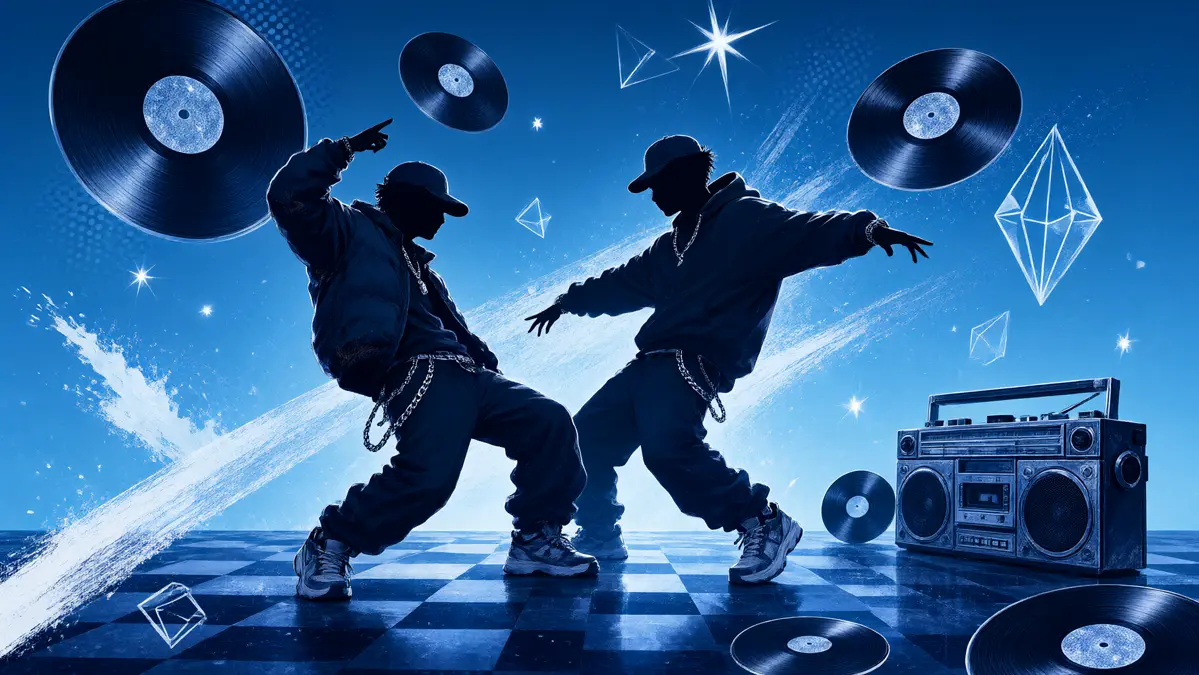
Yes — you can do the Ice Ice Baby AI dance trend with two photos. Upload one picture of each dancer, and the generator stages them in a retro 90s hip-hop duet — the throwback party format that took a 1990 classic and turned it into a template dance wave across CapCut and TikTok. The output is a vertical 9:16 MP4, 5 to 12 seconds long.
This guide covers the trend, how to cast your two dancers, the steps on the Ice Ice Baby AI Dance page, costs, and the boundaries that keep the recreation clean.
What is the Ice Ice Baby AI dance trend?
The trend recycles one of the most recognizable hip-hop tracks of the early 90s into an AI duet format: two dancers in retro fits performing a synchronized routine, styled like a throwback music video. Template versions spread through CapCut (with community animators posting their takes) and AI generator tools; the format exists in both single-photo and two-photo variants, with the two-photo duet being the crowd favorite — pairs dance better than loners.
The scene on this site is the two-photo version: your pair, the retro staging, the synchronized beat. Before we describe it further, one honest note in the same spirit as the page itself: the free example video on the scene page is the authority for what the scene looks like. The written description stays deliberately general — a 90s-flavored duet — because the scene is defined by its prepared reference video, which the generator follows exactly. Watch the example first; it shows the actual framing, styling and moves better than prose can.
The boundaries (the part worth reading before you post)
Because the trend borrows a famous track's name, honest tools draw explicit lines. This scene draws them in the generation prompt:
- No real artists. The prompt excludes imitating or naming any real singer or performer — your dancers come entirely from your two photos, with permission.
- No official video recreation. The staging is an original retro-flavored scene, not a shot-by-shot of any music video.
- Song rights are separate. Your video carries its own generated scene audio, not the track. When posting, attach a platform-available sound — that's how every trend clip you've seen handles it anyway.
These lines don't weaken the joke. A generic 90s duet with your friends' faces is funnier than a lawnmower-edged celebrity deepfake, and it won't get taken down.
Casting your two photos
The duet structure makes casting the punchline:
- Photo A — the lead. One person, clear front-facing face, JPG/PNG/WebP up to 10 MB.
- Photo B — the second dancer. Same photo rules. Synchronization reads best when both faces are sharp.
Classic casts: two friends who "would have ruled 1992", a couple doing a then-and-now (a childhood photo pair is a nostalgia bomb), siblings, or the office duo. For a modern two-photo dance instead of a retro one, the Christmas duet or the elevator meet-cute are the seasonal and romcom alternatives.
Step by step: making your retro duet
- Watch the free example. Open the Ice Ice Baby AI Dance page — no account needed to watch. The example is the scene.
- Upload Photo A and Photo B. Each identity locks to a dancer role.
- Choose the length — 5, 8, 10 or 12 seconds. The prepared reference runs to just under 12 seconds; short cuts loop the best eight-count.
- Pick 480p (default), 720p or 1080p and read the credit quote for your combination before generating.
- Generate, review, download. Allow five minutes or more. Check both faces and the hands mid-choreography, then download the watermark-free MP4 and post.
How much does it cost?
Pay-per-video, quoted up front; one-time credit packs, no subscription; free example watching without an account. Technical failures return credits automatically; a finished-but-imperfect result is charged, and a re-render is a new paid attempt. The category's pricing landscape is compared in the general guide and the no-watermark guide.
Five posting tips
- Caption the era. "Born in 1994, built for 1992" — the retro frame does the work.
- Use a licensed sound. In-app classics-era tracks are plentiful; the generated audio is its own.
- Check the hands. Throwback choreography loves hand flourishes, and AI hands drift — pause and review before posting.
- Disclose AI content where the platform expects it.
- Name the trend, not the artist. Your clip is an homage to the format, not an impersonation — write captions the same way.
FAQ
Is this affiliated with the artist or the song?
No — the prompt explicitly excludes imitating or naming any real performer and recreating any official video. It's a retro-style duet format inspired by the era the track defined.
Why does the written description feel general?
Deliberately. The scene is defined by its prepared reference video, and the free example on the page shows exactly what you'll get — the description avoids promising details only the example can show.
Do I need 90s photos or costumes?
No. Two ordinary photos are enough — the retro styling, the staging and the throwback mood are all generated from the prepared reference.
How long can the video be?
5 to 12 seconds; the prepared reference tops out just under 12, and stretching it further would mean faking the source, which this site doesn't do. The 12-second cut carries the full routine, while 5 to 8 seconds keeps the tightest loop for feed replays.
Where do I start?
Open the Ice Ice Baby AI Dance page, watch the example, cast your two dancers. More duet formats: the Christmas duet guide and the elevator meet-cute, or browse the main studio.